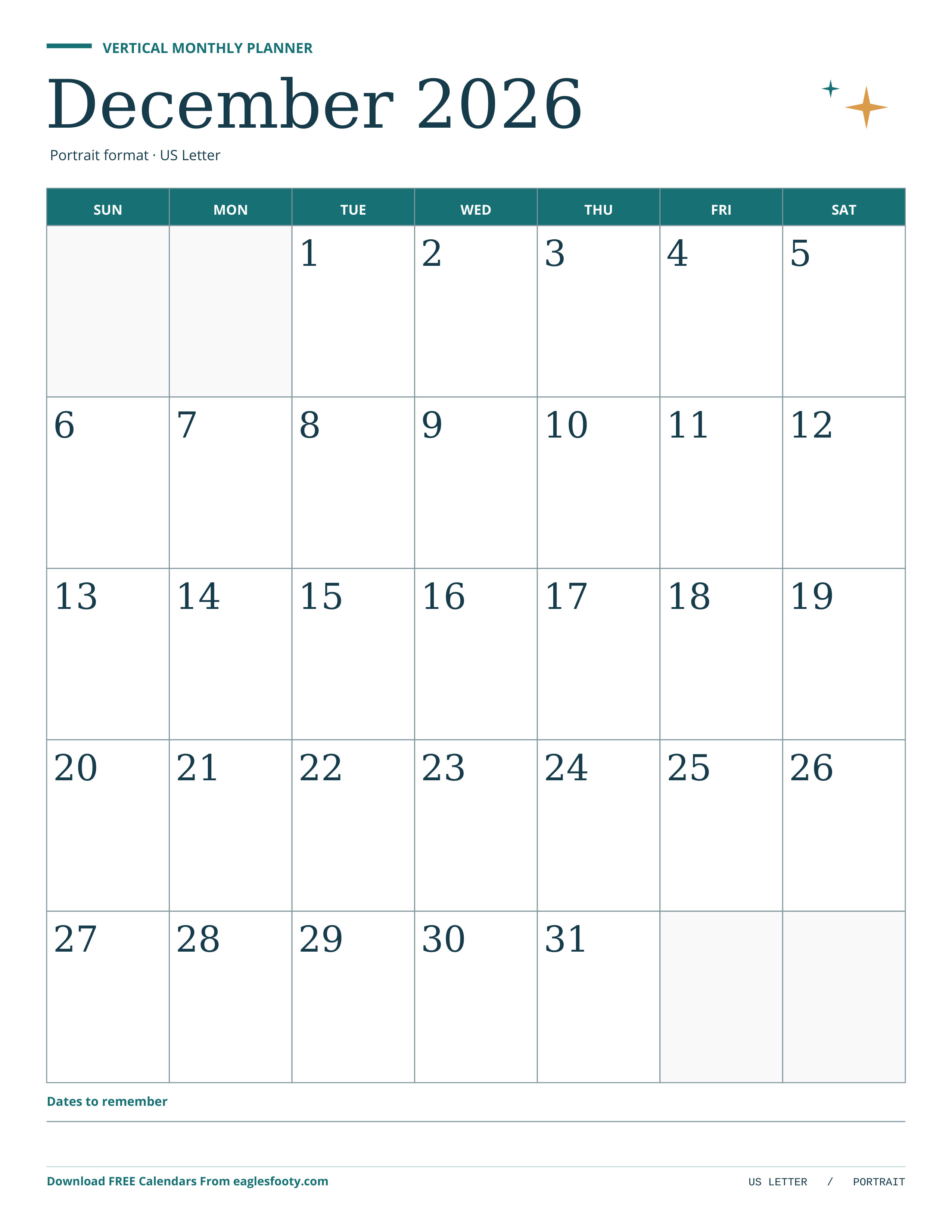
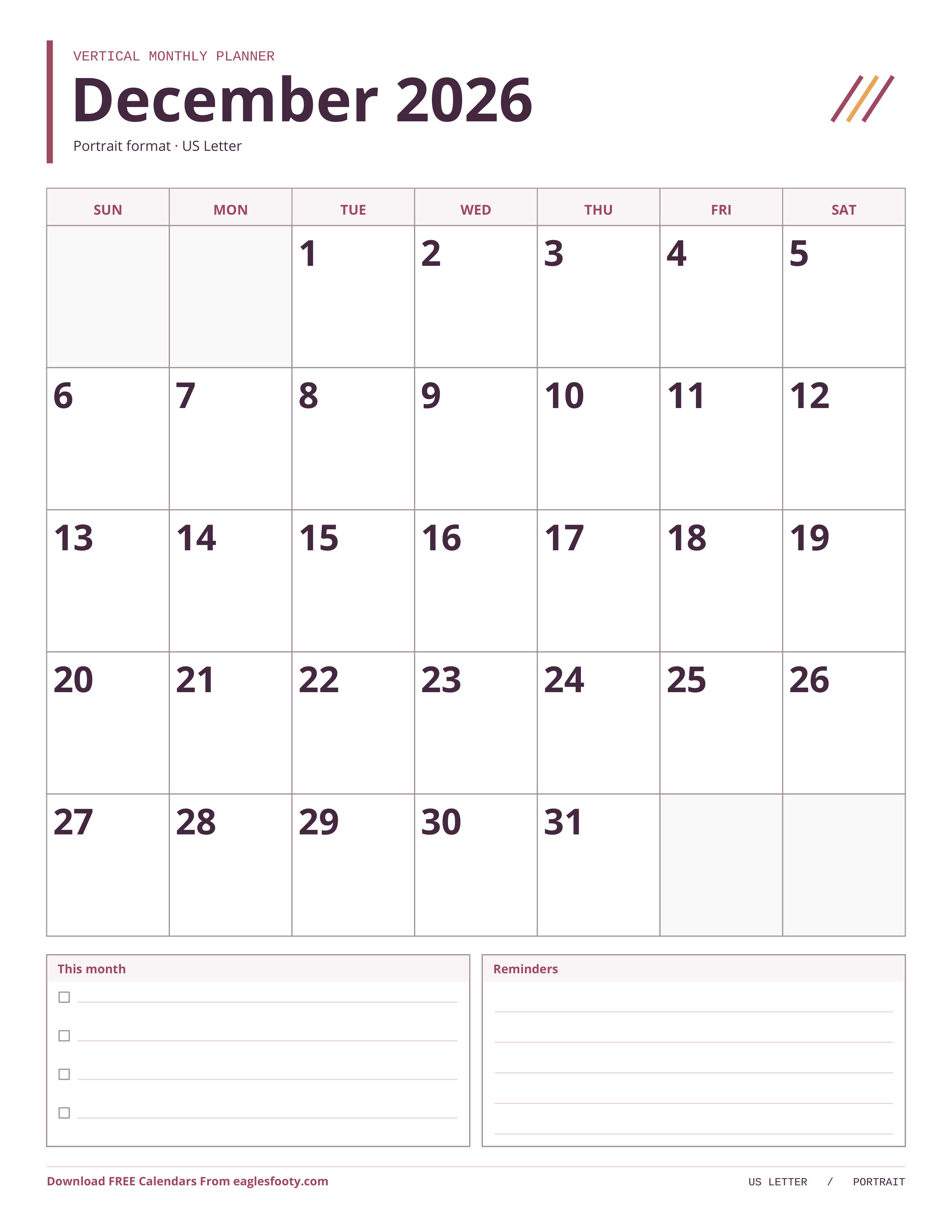
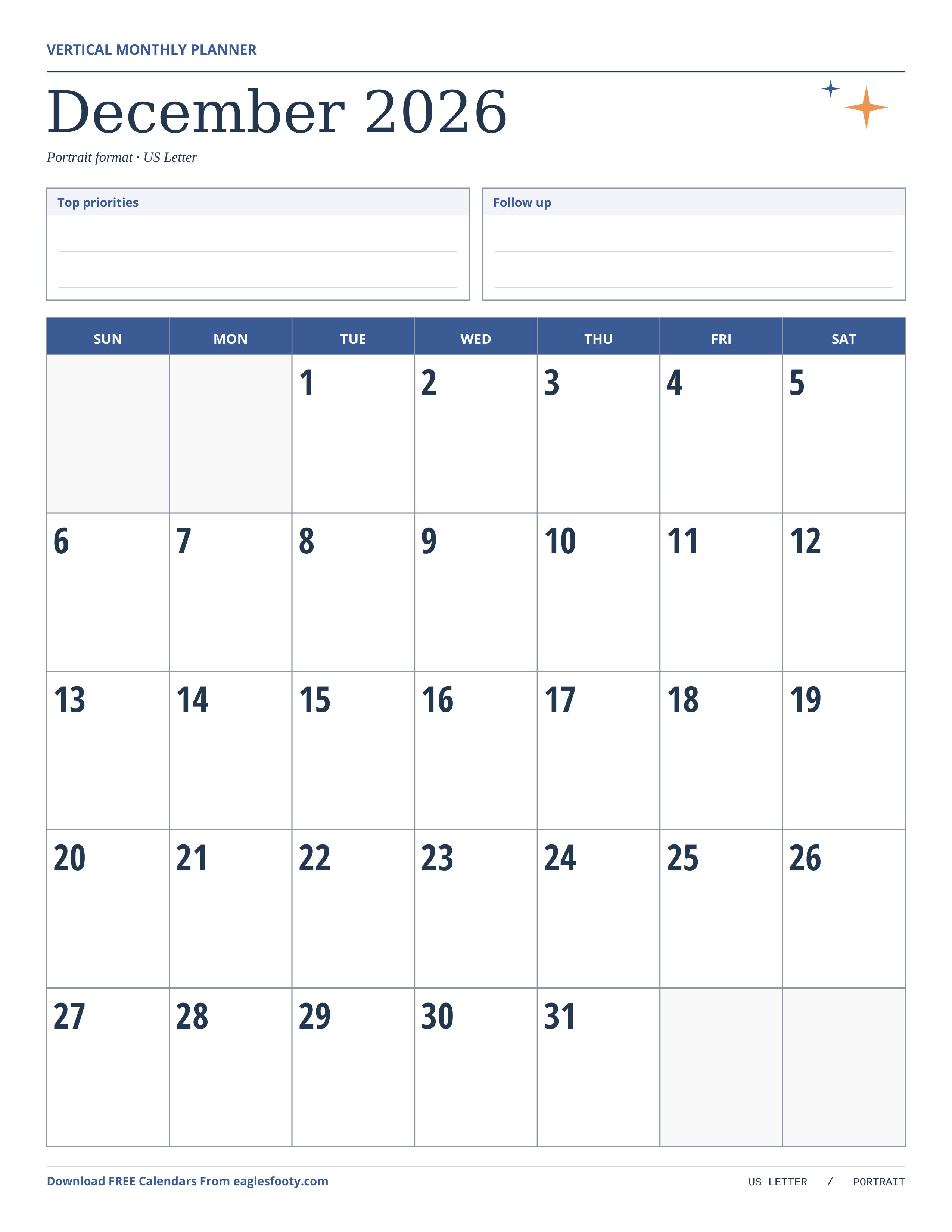
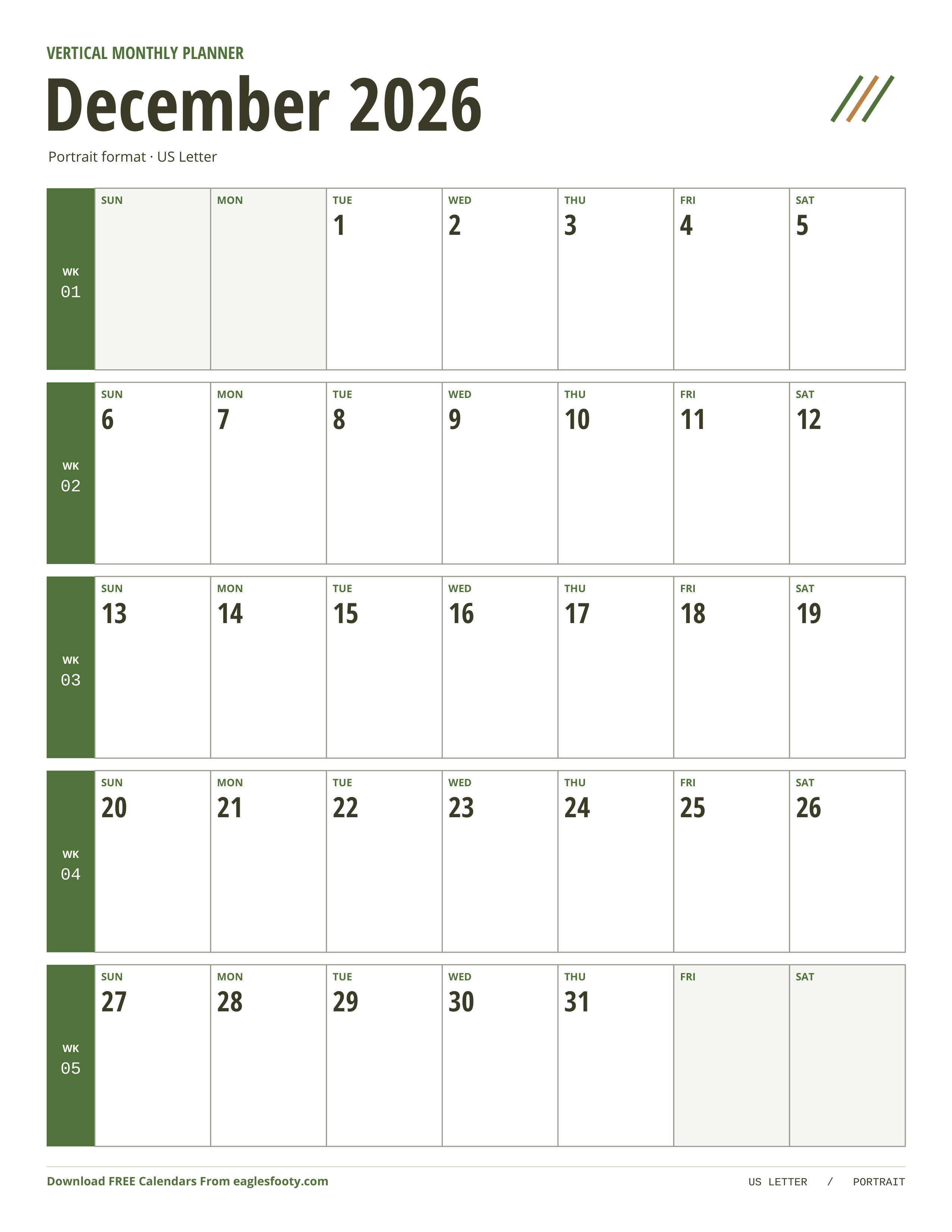
December 2026 Calendar Printable Vertical layouts put the month on a portrait page, with the long edge running from top to bottom. Choose one for a narrow wall, a standard binder, or a clipboard that hangs beside a desk. December starts on Tuesday and ends on Thursday. The dates still run across each calendar row, so you can follow the week normally while using a taller sheet.
For another December sheet to display outside the binder, open the December 2026 Calendar Printable collection.
December 2026 Calendar Printable Vertical to Download
Where Does a December 2026 Calendar Printable Vertical Fit?
Measure the actual place the page will occupy. A kitchen cabinet might provide enough open height but have a handle that intrudes into the month grid. A clipboard looks like a full sheet until the clip covers part of its heading. A binder needs room for the rings or the edge of a sleeve. Comparing the design to those limits before printing makes it easier to choose a vertical page you will use comfortably.
| Place | What to Measure | A Fitting Test |
|---|---|---|
| Clipboard | Depth of the clip and width of the board | Clamp the paper and read the month title. |
| Cabinet side | Width between the edge and nearby hardware | Open the cabinet with the page in position. |
| Ring binder | Width of the punched or sleeved margin | Turn the page without bending a date box. |
| Narrow wall panel | Viewing distance and wall width | Read a sample date from your usual standing point. |
Set the Print Orientation Before Changing the Scale
If the preview shows a tall design lying sideways on a wide page, fix the orientation first. Select portrait or allow the software to rotate the original to match the paper. Then choose the scaling option that keeps every edge visible. Reducing the percentage before correcting orientation can leave the calendar needlessly small with large unused spaces on both sides.
- Load the paper size you plan to use and open the downloaded image itself.
- Choose portrait orientation and one image per sheet in the print dialog.
- Check that the weekday headings, bottom row, and outer edges all appear in preview.
- Print a sample and place it in its final position before adding handwriting.
Choose What to Put Above and Below the Month
The height of a portrait page gives you a clear reading direction. Readers often find the month heading first, the date grid next, and any space underneath last. Keep the information they need most often where they already look. A short title such as “After-school rides” can name the page; the grid can carry the actual rides; a separate note can explain a pickup door that stays the same all month.
For a small office, use the page to show which dates a shared room is booked. Put the meeting’s short name in the correct box. Keep room access instructions beside the calendar rather than reproducing them in every booking. Someone standing at the door can read the month quickly while the person organizing a meeting can still find the instructions when needed.
Make Narrower Date Boxes Work for You
- Use the time and a short event name when an entry is predictable, such as “4:30 lesson.”
- Put a location in the date box only when it differs from the usual place.
- Use a separate note for a long address or a list of things to bring.
- Write initials consistently across the month if several people share the same sheet.
A portrait calendar has a fixed amount of horizontal space for seven weekday columns. If an event title is long, shorten it in a way your readers will recognize. “Winter show” can work for a household that knows the school; “West Hall show” helps when two schools have performances. The shorter label earns its place by preserving the detail that distinguishes one event from another.
Fitting a December 2026 Calendar Printable Vertical Layout to a Binder
For a binder, place the print in a clear sleeve first and test whether the top and bottom lines remain visible. If you prefer to punch the paper directly, check the punch position on a draft. A narrow backing sheet or divider can carry the holes when the print’s own margin is too small. Keep frequently used details away from the curved area close to the rings.
For a clipboard, hang the board and write one test entry with the page in place. A surface that rocks against the wall can make a neat calendar difficult to maintain. Add support behind the lower edge or take the board down for updates. Position it so the people who make entries can reach the bottom row as easily as the first.
Create an Easy Month-End Changeover
If January will occupy the same wall or binder, keep the mounting method simple. A clip, sleeve, or removable corner holder lets you replace the month without realigning tape every time. On Thursday, December 31, check the last row for overnight plans and appointments that continue into January. Copy the actual next date and time to the new page while the December entry is still visible.
Before you take the page down, photograph or file it if the marks record room bookings, duty coverage, or an activity you need to review later. Keep the portrait image upright in the saved copy so the notes remain easy to read. By carrying the purpose of the sheet into its filename or binder tab, you can find it again without searching through an entire collection of monthly prints.