December 2026 to March 2027 Calendar pages connect the last month of 2026 with the first quarter of 2027. Print the four-month version to follow work through March 31, or choose an end date in February, April, or June. Each range starts on Tuesday, December 1. The right ending month depends on when the activity finishes and how much follow-up you want to keep on the same sheet.
Keep a separate copy of the first month on your desk with the December 2026 Calendar collection.
Printable Calendars and Downloads
- December 2026 to February 2027 calendar (PDF, 4 pages)
- December 2026 to March 2027 calendar (PDF, 4 pages)
- December 2026 to April 2027 calendar (PDF, 4 pages)
- December 2026 to June 2027 calendar (PDF, 4 pages)
When Is a December 2026 to March 2027 Calendar Long Enough?
A December-to-February view covers the three full months commonly used for a winter planning block in the United States. A December-to-March view is different. It adds the close of the first calendar quarter, which can be useful for an event report or a new program’s first review. Select a later end date when a winter activity feeds into spring registration or a school-year handoff.
| Exact Range | Months Covered | Final Calendar Date |
|---|---|---|
| December 2026 to February 2027 Calendar for Winter Planning | 3 | Sunday, February 28, 2027 |
| December 2026 to March 2027 Calendar for Monthly Planning | 4 | Wednesday, March 31, 2027 |
| December 2026 to April 2027 Calendar for Monthly Planning | 5 | Friday, April 30, 2027 |
| December 2026 to June 2027 Calendar for Monthly Planning | 7 | Wednesday, June 30, 2027 |
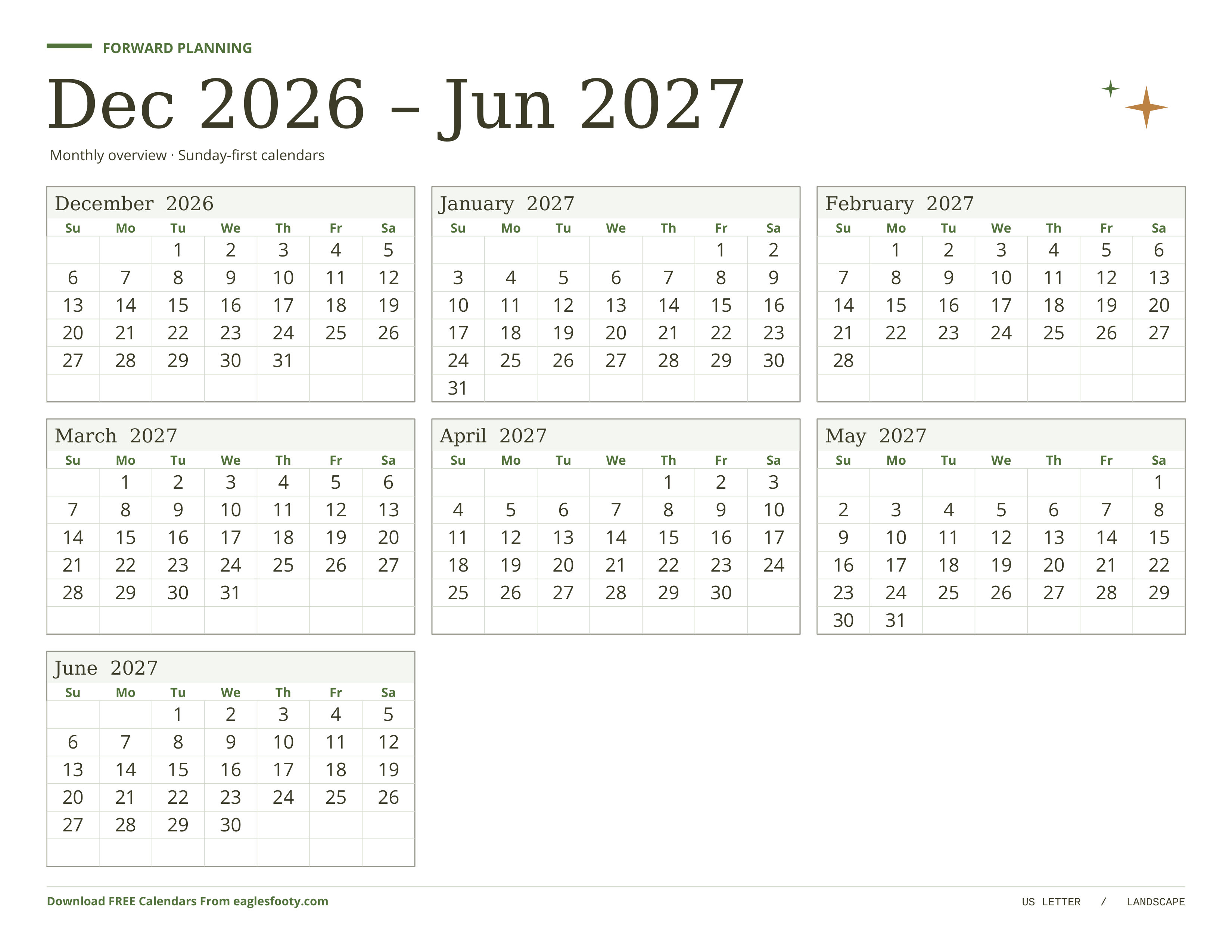
Choose the PDF labeled with your start and end months. The longest range includes May even though its name lists only December and June. The two endpoints refer to continuous coverage. When you compare dates on a printout, read the year as well as the month. January belongs to 2027 on every page in this set.
Spread a Winter Program Across Its Working Weeks
Suppose a library is running a winter reading club. Staff set up the display in December, take registrations in January, and collect the last reading logs in February. A February ending captures delivery. If a board wants participation numbers at its March meeting, choose March instead. Leave room for returning borrowed supplies or answering families who could not attend the last session.
- Circle the final public event and label it with an action such as “collect logs.”
- Mark administrative work after that date, including counting entries and returning equipment.
- Give each recurring session a short code and write its full description in a separate key.
- Set a decision date for schedule changes and name the person who will reach participants.
Check the Shortest Month Before Assigning Repeat Dates
February 2027 has 28 days. It opens on Monday and finishes on Sunday, so each weekday occurs exactly four times. A plan to meet on a fifth Monday will need a different date or a different month. March also begins on Monday, but has 31 days. Monday, March 29, is a genuine fifth Monday and can serve as a review day if your group needs one.
A routine set for the last calendar day behaves differently from one set for the last Friday. February’s last day is Sunday the 28th, while its last Friday is the 26th. Write the rule in words when you first enter it. The difference is easy to miss after someone changes the day in one month and copies that choice into the rest of the schedule.
Pick a View for Sessions, Staffing, or Follow-Up
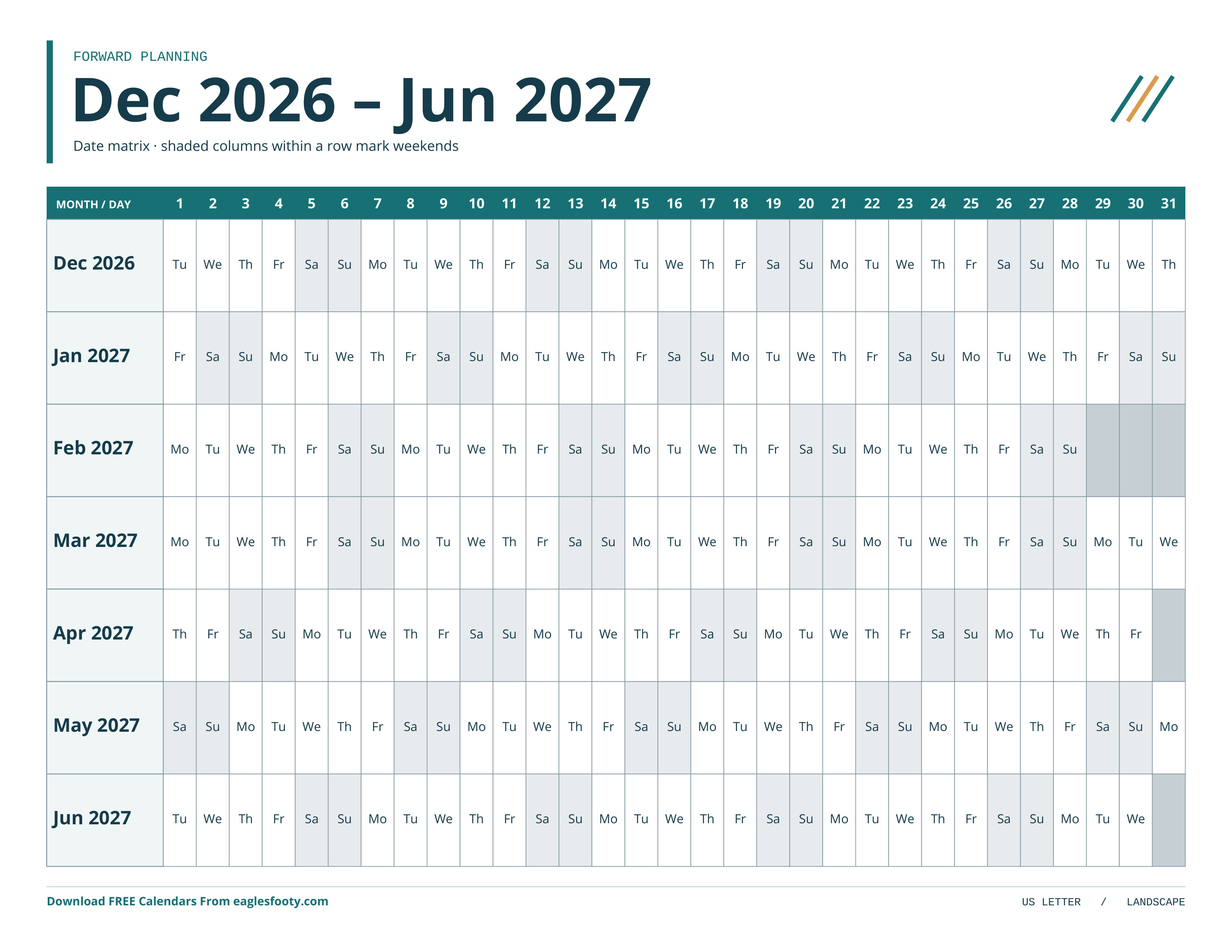
On the overview page of each exact-range PDF, every day has a position within its own month grid. This makes it easy to spot adjacent weekends or find a spare Saturday. The date matrix is easier for a recurring booking on the same number each month. Read across the top for the day number and down the left edge for the month, then check the weekday in the matching cell.
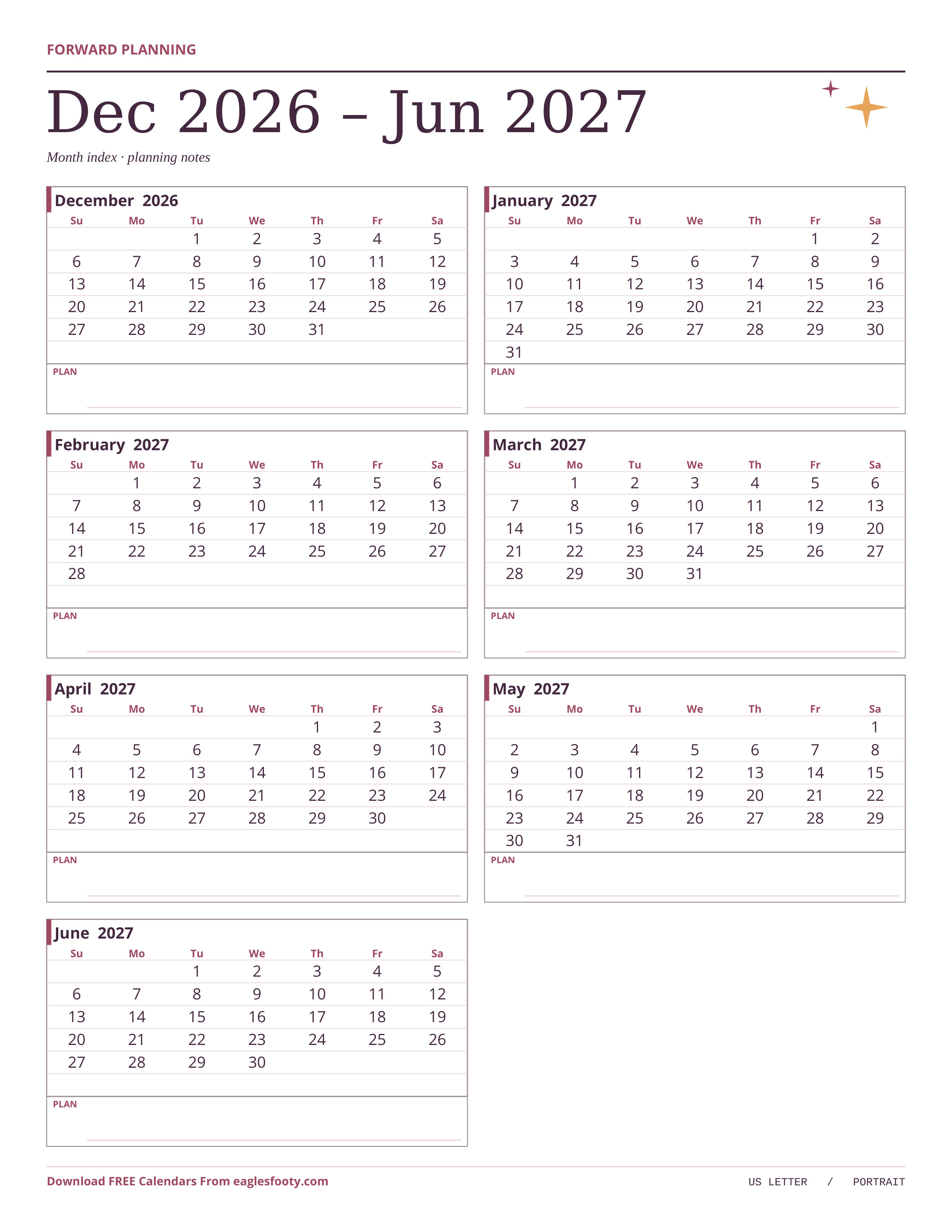
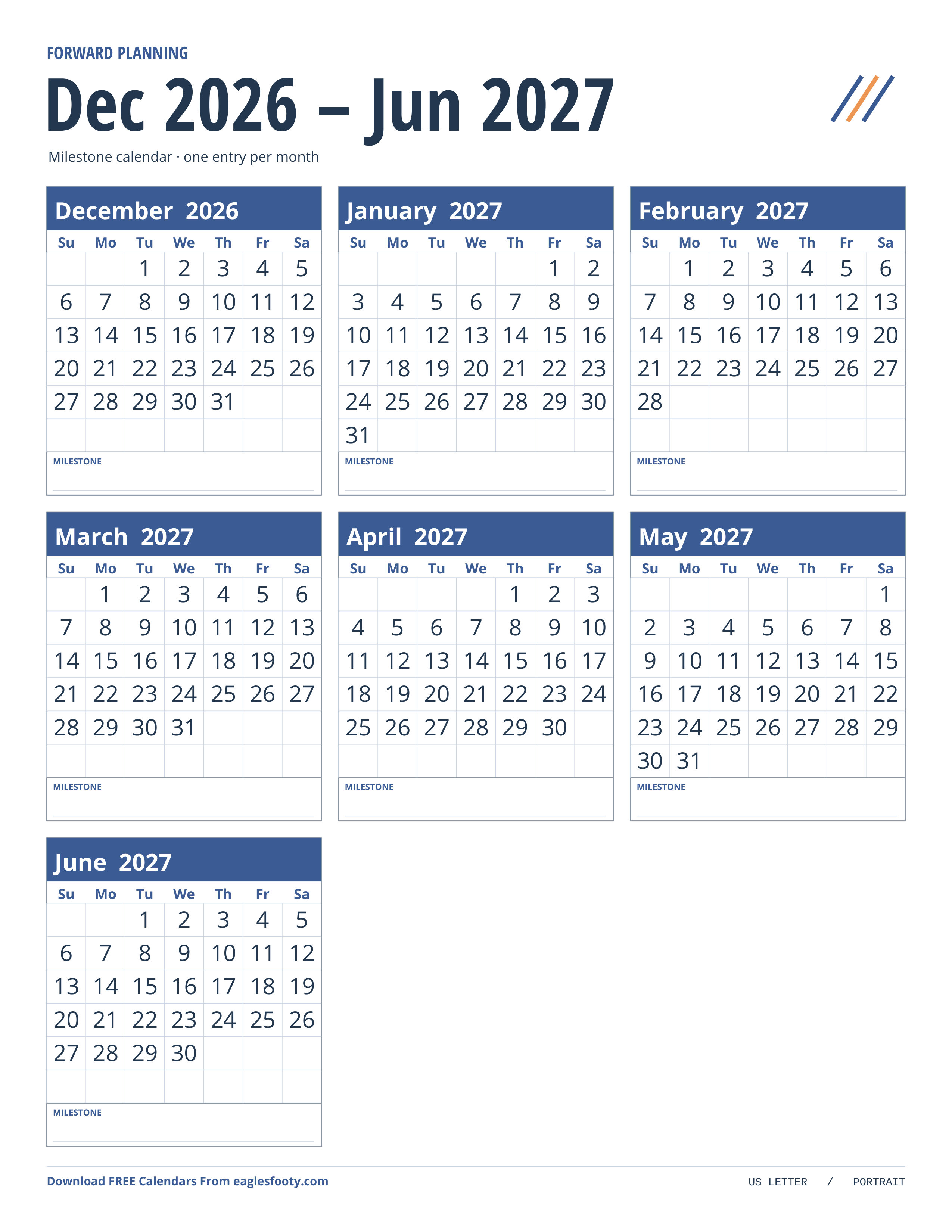
The milestone ledger pairs a calendar with room for short entries. Use it to record a sign-up deadline and an alternate contact in each month. The daily index gives consecutive dates their own lines. It can hold a compact run of labels such as “submit,” “check,” and “share.” If you are using a long seven-month span, keep a separate list for full names or detailed session descriptions.
- Use one clear mark for a confirmed session and a different shape for an alternate date.
- Give volunteers a copy that includes the arrival window as well as the public opening time.
- Date any change notice so a family can tell which printed version is current.
Carry a Canceled Session Forward Without Double Booking
Keep the last confirmed session visible on your December 2026 to March 2027 calendar until the venue accepts a replacement date. That makes the gap easy to spot when you call families.
Mark the original date as canceled while it is still legible. Enter the replacement date separately and write a short cross-reference beside the first entry. For example, a February activity moved to March needs a March block on the same page if that copy is to serve as the full record. If you started with the February version, switch to March and transfer the confirmed dates before sending another schedule.
Prepare Clear Copies for People Who Need Them
Print the chosen page on US Letter paper and check the year boundary in the preview. The overview works well in a folder or on a staff desk. For a notice board, test the smallest month label at the distance from which people will read it. A printed overview can point families to a separate sheet with room numbers and event times when those details would crowd the calendar.
At the end of the program, add the actual last session date and the date that equipment or paperwork was returned. These two dates may fall in different months. Keeping both visible makes next year’s planning easier, especially when a repeat booking looks short on the public calendar but requires another week of work behind the scenes.