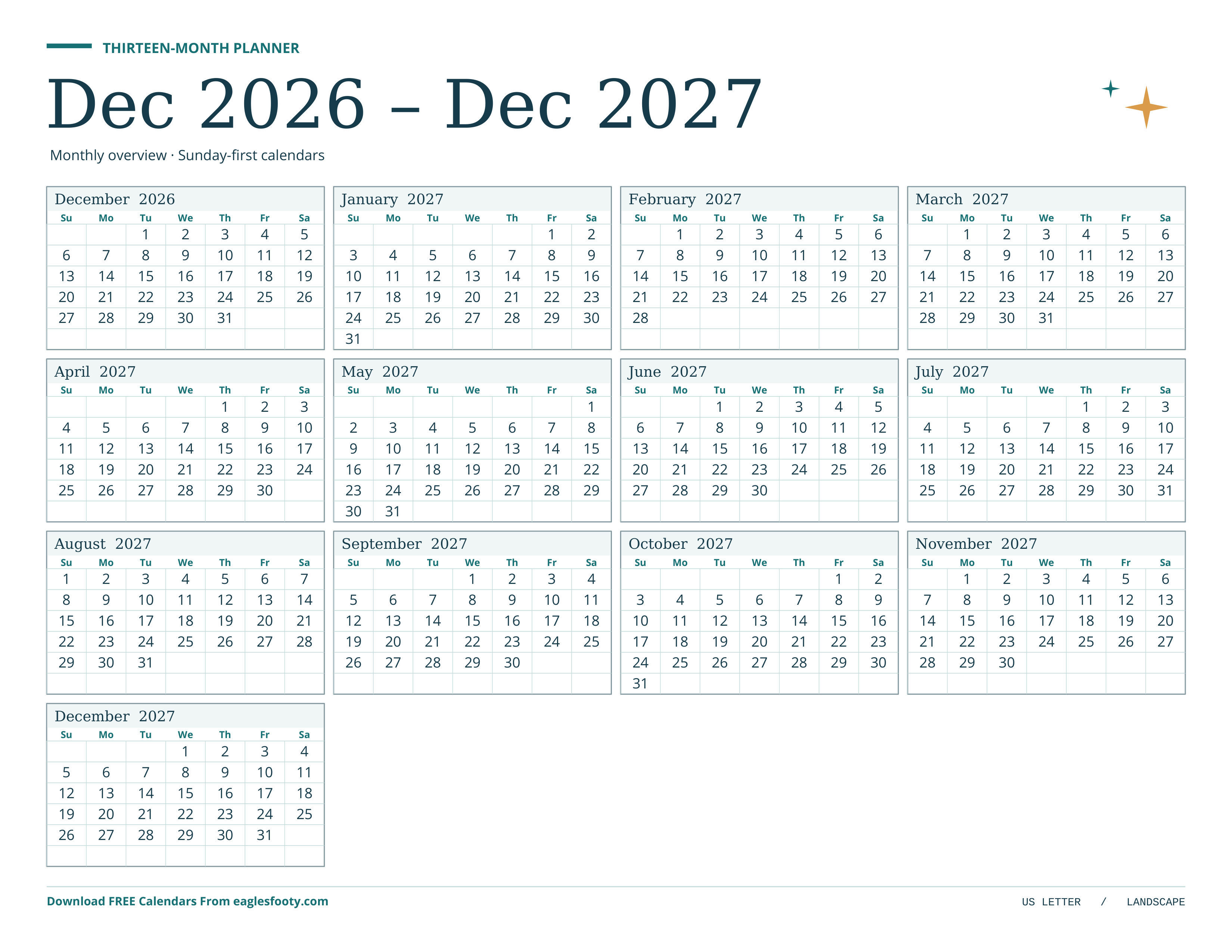
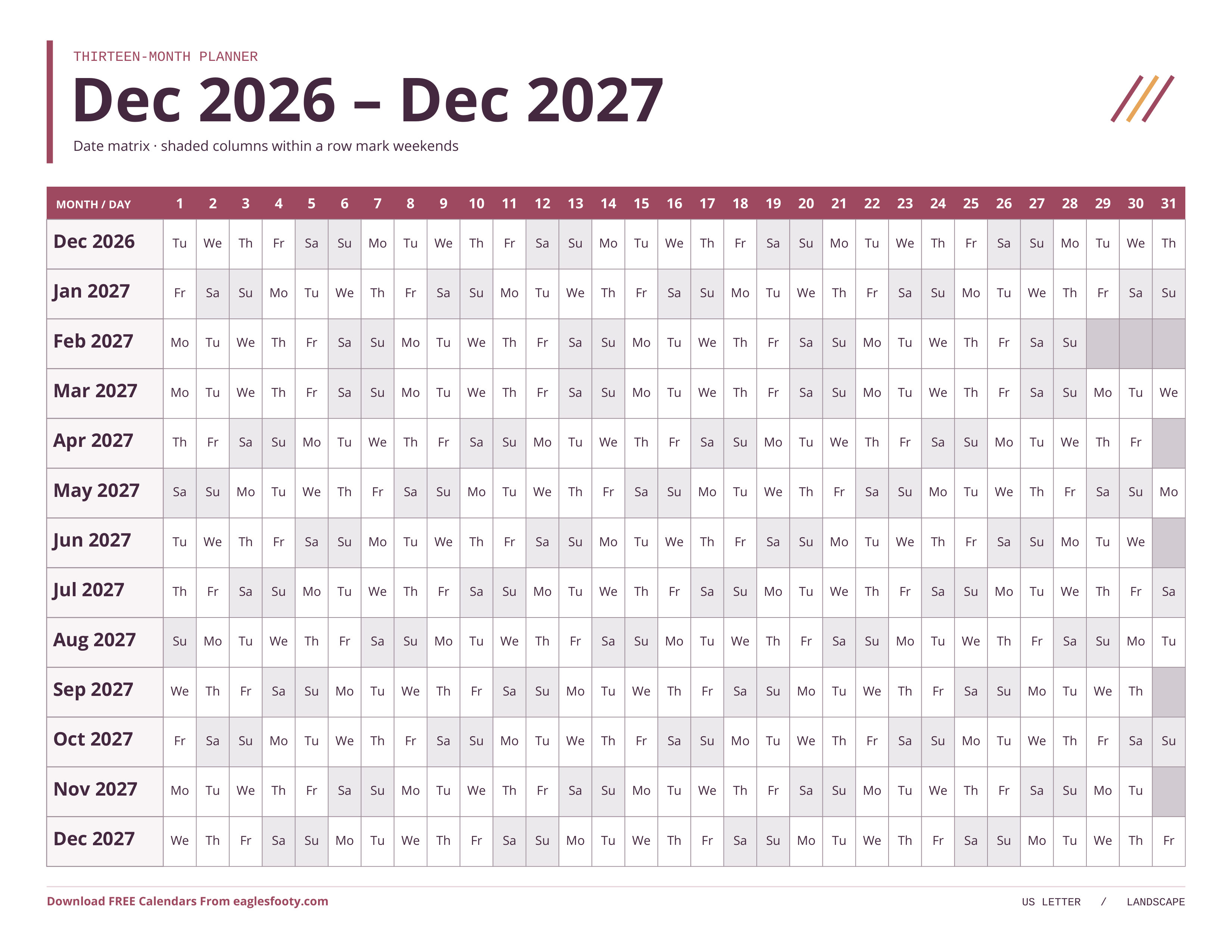
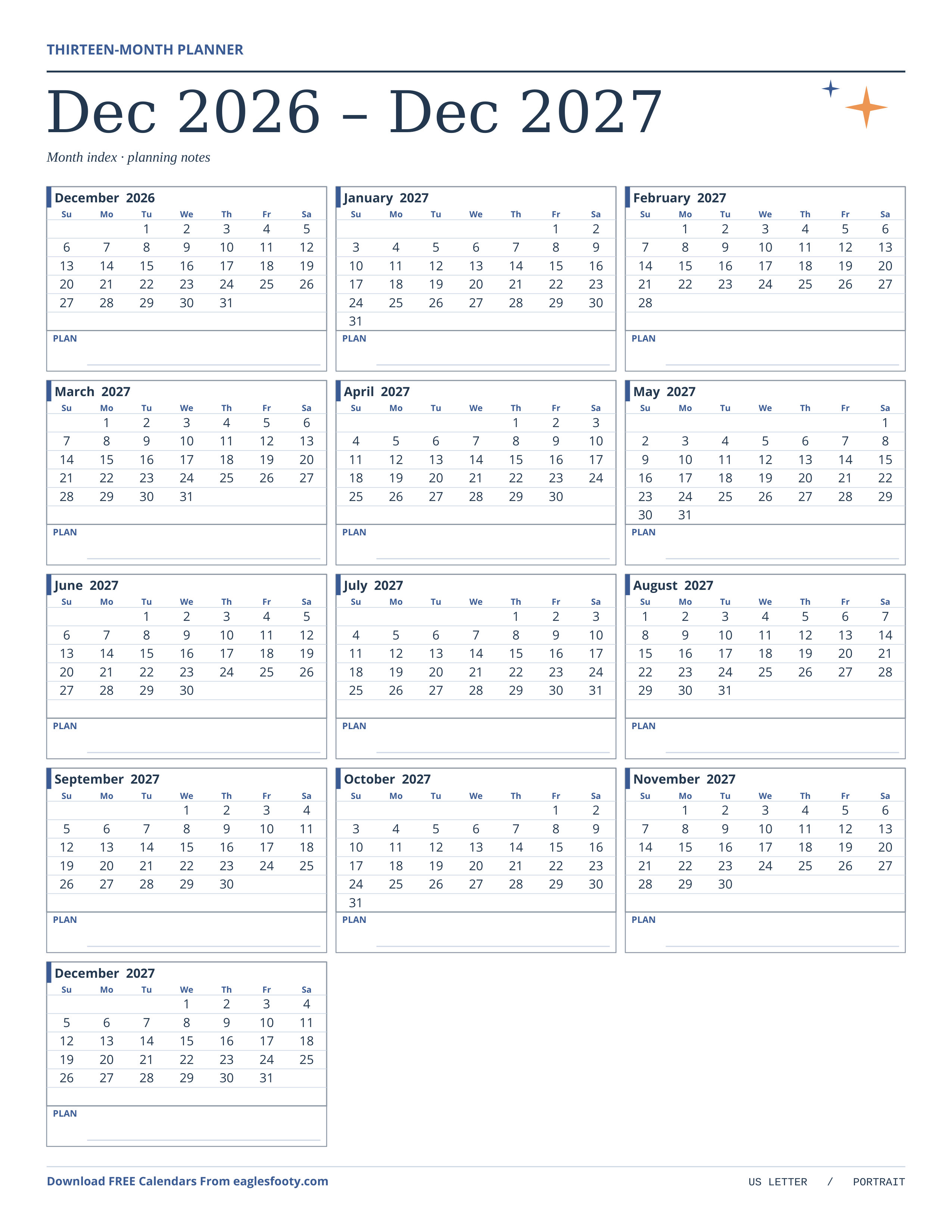
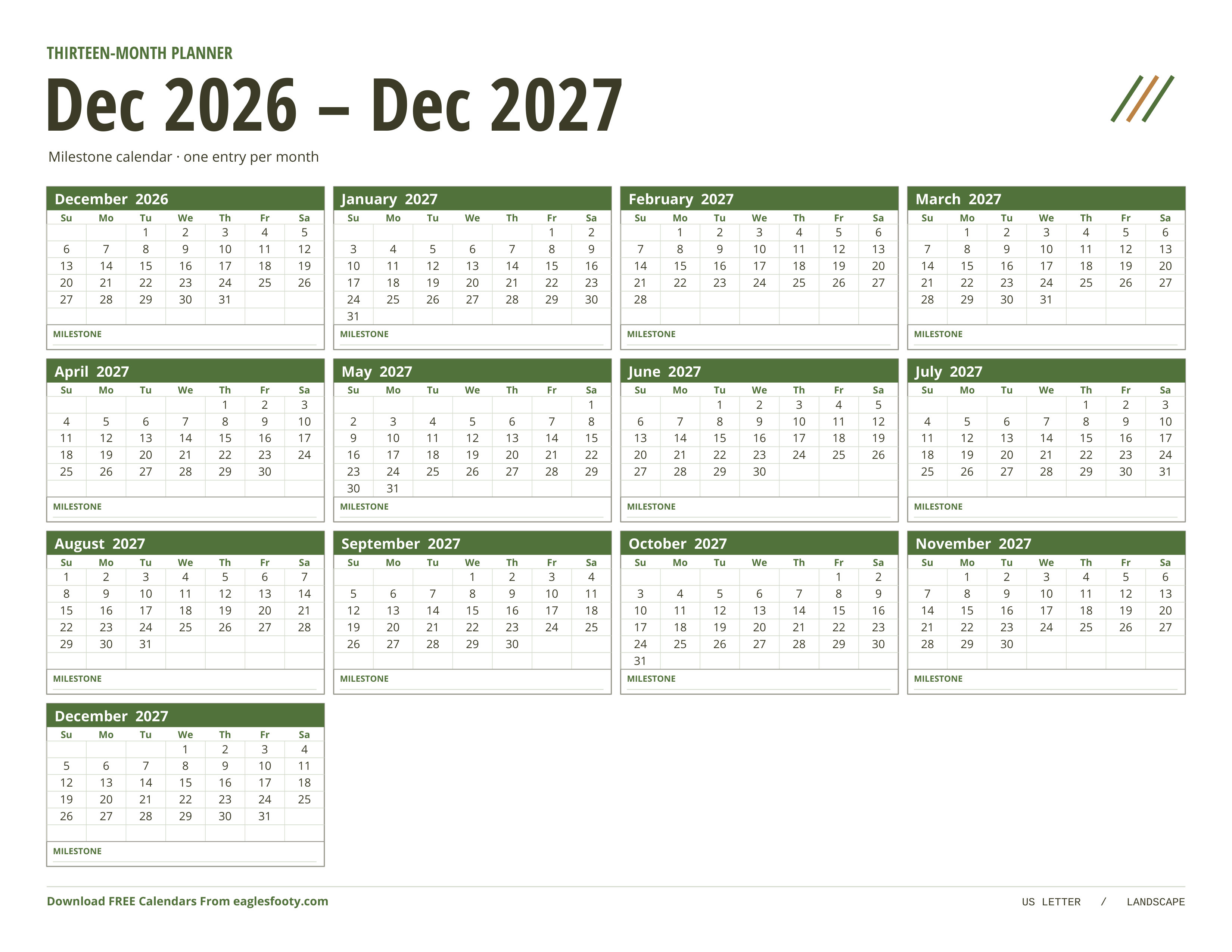
December 2026 to December 2027 Calendar pages cover thirteen named months and 396 calendar dates. They start on Tuesday, December 1, 2026, continue through every month of 2027, and end on Friday, December 31, 2027. Keeping both Decembers is especially helpful when you want to compare the date you started an annual arrangement with the date its next cycle comes due.
For a full-size sheet of the opening month, use the December 2026 Calendar collection.
Printable Calendars and Downloads
Why Use a Calendar With Thirteen Month Blocks?
A January-to-December sheet shows one complete calendar year. A December-to-December sheet also preserves the month just before that year. Suppose you accepted a maintenance agreement on December 9, 2026, and want to schedule a review before its next anniversary. With both Decembers in view, you can mark the original acceptance and the future review while keeping the intervening service visits visible.
| Date Pair | First Weekday | Second Weekday | What It Helps You Compare |
|---|---|---|---|
| December 1, 2026 and December 1, 2027 | Tuesday | Wednesday | Opening day of each December |
| December 9, 2026 and December 9, 2027 | Wednesday | Thursday | A start date and its calendar anniversary |
| December 31, 2026 and December 31, 2027 | Thursday | Friday | End-of-year coverage and filing dates |
A fixed month and day usually changes weekday across these two years. The first Wednesday of December is a different kind of recurrence. It falls on December 2 in 2026 and December 1 in 2027. Label your recurring item with the rule from the actual agreement, whether that is a named date, a numbered weekday, or a specified interval.
Start With the Records You Already Have
Gather the documents that give your dates meaning. A service agreement might list the acceptance date, first visit, next review, and period for requesting changes. The annual calendar can show all of these, but their order matters. Read the actual wording before you write anything down. A reminder scheduled for an anniversary may be too late if the decision is due some days earlier.
- Enter the original event in the December 2026 block with a short description and the year.
- Mark each confirmed visit or inspection in the appropriate 2027 month, using the time window from its confirmation.
- Find the decision date or notice window in your own paperwork and give it a separate entry.
- Add the December 2027 anniversary last, then check that the reminder occurs early enough for the action you intended.
Keep Evidence With the Marked Date
Imagine you have a service receipt dated December 16 and a report dated December 18. They may describe the same visit, but only one date identifies when the technician was actually present. In the calendar, write the work date and note the report date in the margin or on a separate sheet. When someone asks how long a part has been in service, you can answer from the correct event.
Follow Repeating Work Without Guessing the Dates
A task performed every four weeks happens every 28 days, while a task due monthly follows a calendar rule. Starting from Wednesday, December 2, 2026, the next four-week date is Wednesday, December 30. The next second day of a month is Saturday, January 2, 2027. Write out the first few occurrences to make sure the sequence you chose matches the work you meant to schedule.
A monthly date on the 29th, 30th, or 31st needs extra attention in short months. February 2027 has 28 days. If an agreement says “last day of each month,” enter February 28. If it gives some other instruction for a missing day number, follow that wording. When the terms are silent, enter a question on your working copy and request clarification before treating a replacement date as agreed.
- Use a plain circle for the planned visit and a check for the date the work actually happened.
- Record a contact role beside entries that need access, approval, or a handoff.
- Mark rescheduled appointments at the new date and retain a short reference at the original date.
Review the Calendar Before Moving Into the Next December
Look for entries whose expected and completed dates differ. A delay in March may affect a six-month follow-up if the next visit is measured from completed service. Use an example from your own records to test that rule rather than automatically moving every later mark. Two tasks on the same calendar can use different starting points, even when the same vendor handles them.
Print a December 2026 to December 2027 Calendar for Long-Term Plans
Choose a month-grid layout for checking individual weekdays, or pick a layout that leaves space for your short service codes. On a year-plus printout, a two-letter code is generally easier to scan than a sentence written in tiny letters. Add a separate key and include the year on both December entries. The month name by itself is not enough to identify a record in this range.
Print the original download in the orientation shown by your print preview. Before writing, locate January 1, July 1, and the two Decembers. That quick tour establishes the reading order of a dense calendar. If you later enlarge the sheet for a wall display, keep the full page and its month labels inside the printable area. Retain a dated copy at the end of the period so the next planning cycle begins with the visits and decisions that actually took place.
1 thought on “December 2026 to December 2027 Calendar for Long-Term Plans”