Editable December 2026 Calendar files let you type a December schedule before printing it. Choose Word if you want to write a few lines under each date, or Excel if you prefer a separate entry cell beneath each day. December 1 is a Tuesday, and December 31 is a Thursday. Both editable files put Sunday in the first column and give the whole month one sheet of US Letter paper.
When a reader needs a ready-to-print monthly reference, share the December 2026 Calendar collection.
Editable December 2026 Calendar for Your Monthly Schedule
- Download the editable December 2026 Word calendar
- Download the editable December 2026 Excel calendar
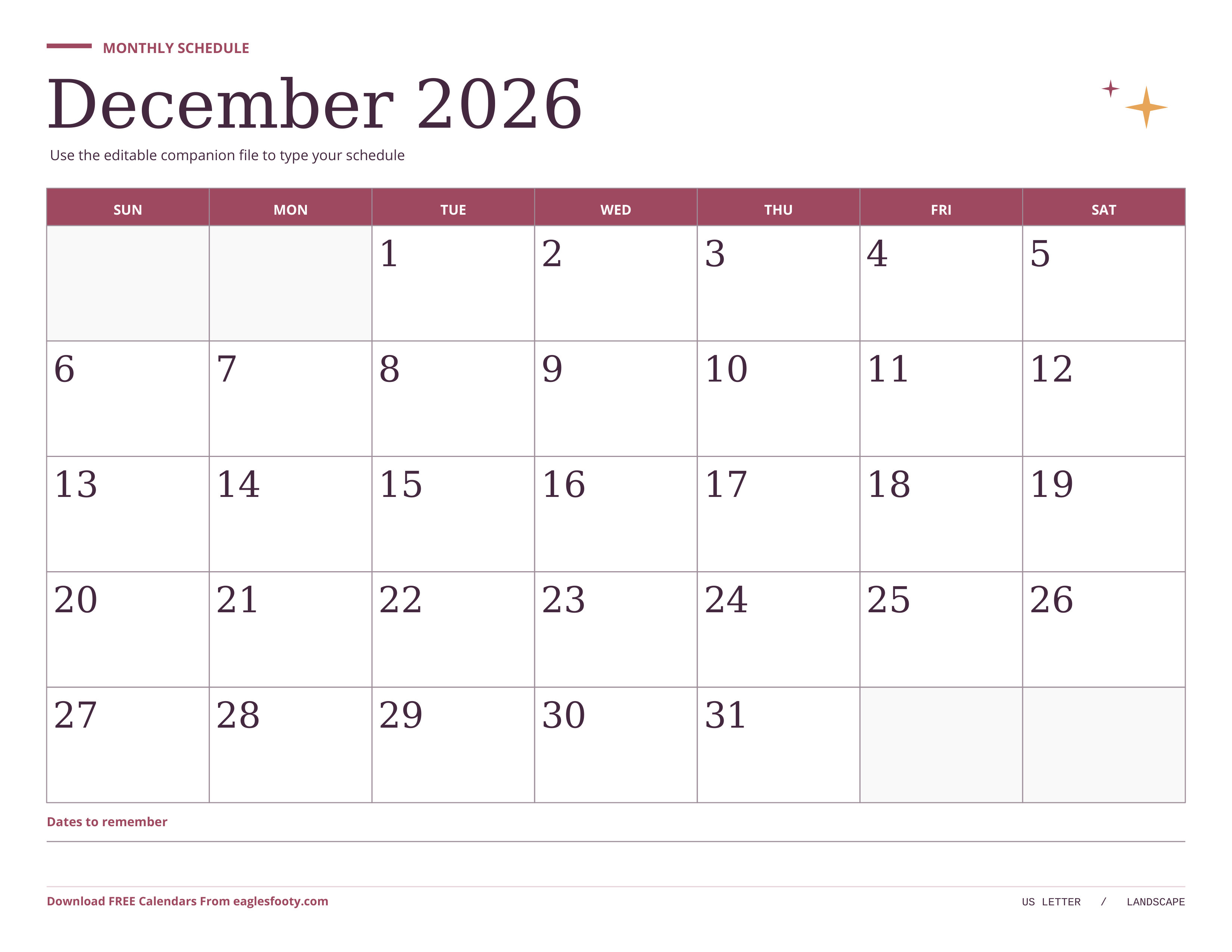
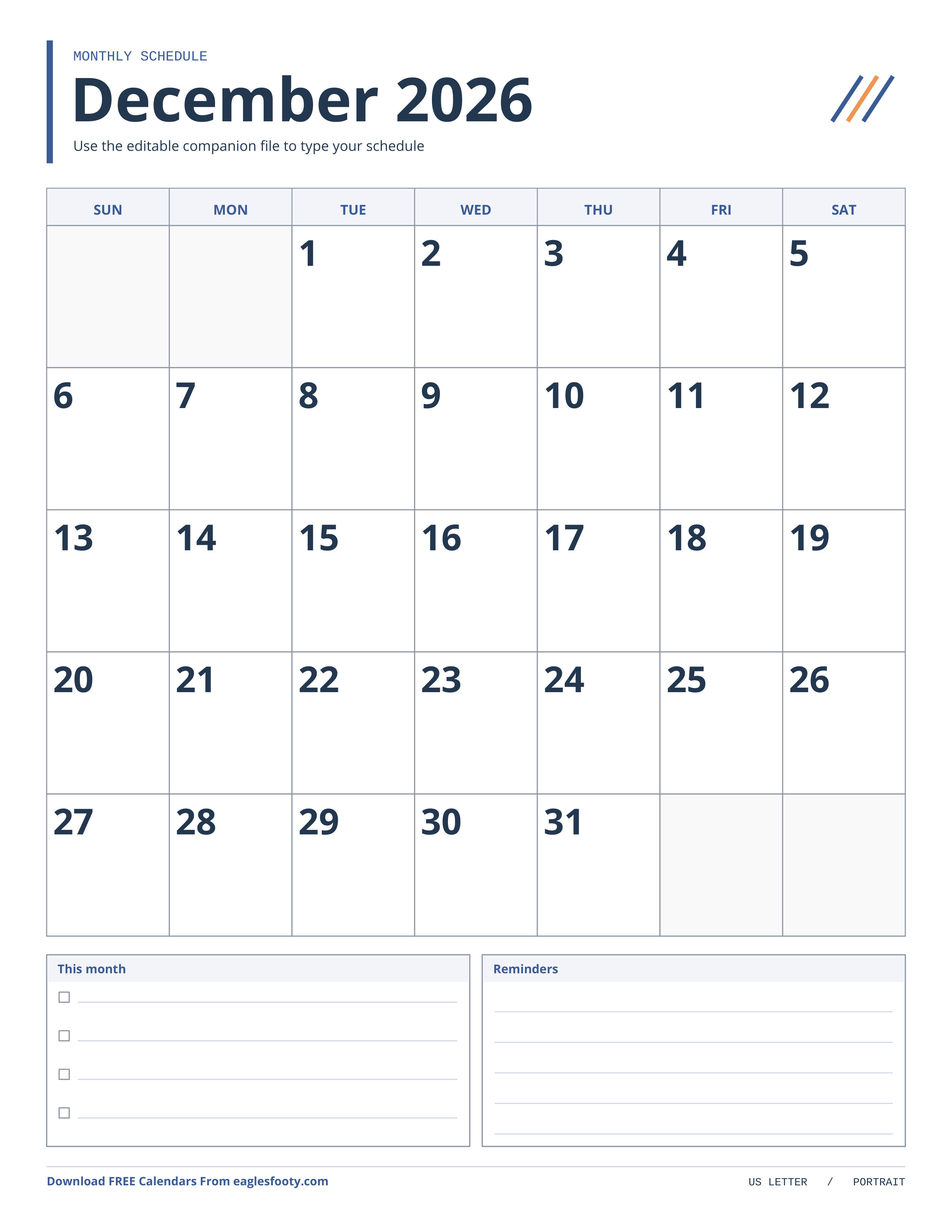
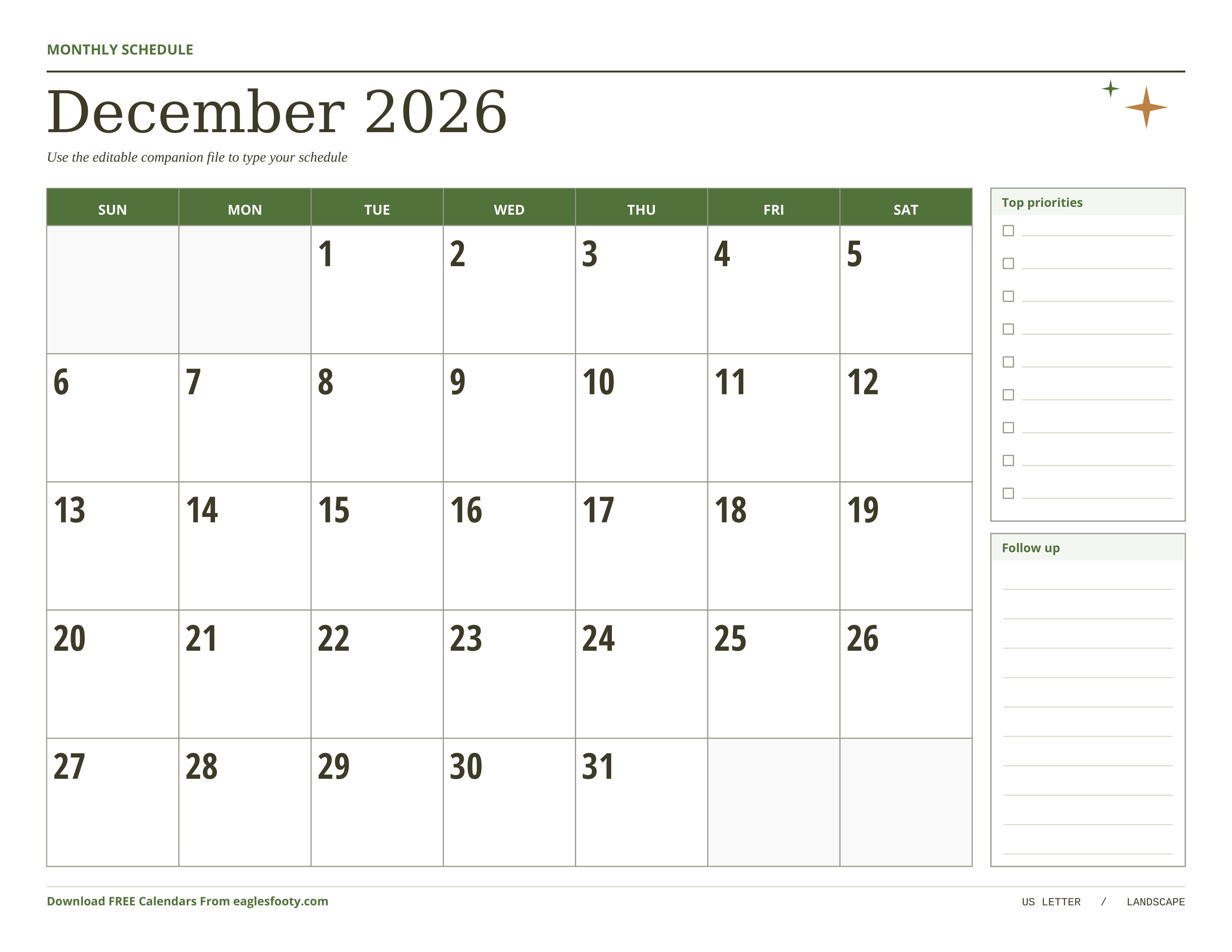
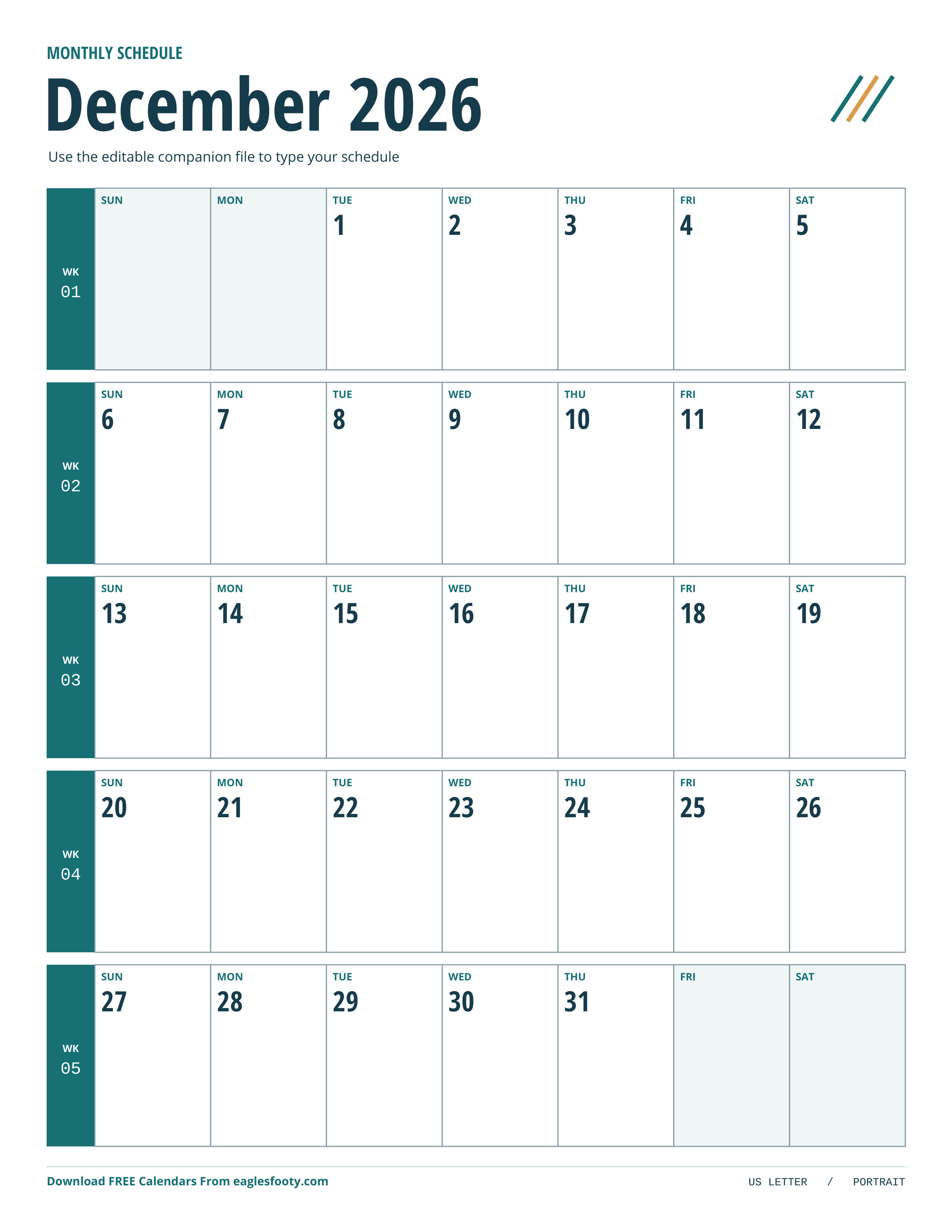
Choose an Editable December 2026 Calendar
A teacher labeling classroom activities and a coordinator collecting shift changes may start with the same empty grid and need different things from it. In Word, you can select a single event, change its font size, and put a second name on the next line. In Excel, you can select neighboring entry cells and apply the same alignment or fill to several at once. The printable JPG is handy when someone only needs to read the result or add details in pencil.
| Download | Best use | Where to type |
|---|---|---|
| Word document | Short notes, names, and formatted invitations | In the table cell below the day number |
| Excel workbook | A schedule with consistent entries across weeks | In the white cell immediately beneath the dated cell |
| Full-size JPG | A fixed grid for a notice board | Print first, then write by hand |
Enter an Appointment Without Losing Its Date
Open the Word file and click on the empty paragraph below the number for Tuesday the first. Type a short entry such as “3 pm · room setup.” To change the look of the entry, select the new words. Selecting the entire table cell will also select the date. If you accidentally remove a date, use Undo before you move to the next cell. Saving an untouched copy before you begin makes it easy to get a fresh week or month later.
The Excel grid separates the date from your schedule. Each dated cell contains an actual spreadsheet date formatted to show its day number. The box directly beneath it accepts text. If entering “12/9” as a room code changes it into a date, type “Room 12/9” so the label remains readable. To add a second entry, insert a line break inside the same cell or join the two short entries with a slash. Check the print preview after adding longer descriptions.
Build a Schedule That Is Easy to Revise
- Enter fixed appointments first. A school concert with a published start time deserves a place before a tentative shopping trip.
- Use a person’s name only when it tells the reader who owns a task. “Jordan · pickup 4 pm” answers more questions than “pickup.”
- Put travel or setup on its own day when it changes the plan. A Thursday setup for a Friday event can otherwise disappear beneath the event title.
- Save a dated copy before sharing the sheet. Keep one working file where you will make the next round of changes.
Consider a community dinner on Friday, December 18. The reservation belongs on the eighteenth, but the equipment count might be due on Tuesday the fifteenth. A short note on Monday the twenty-first can remind the organizer to return serving trays. Putting all three entries inside the Friday square leaves helpers guessing when the other work happens. Using three squares also makes it possible to change the dinner without silently moving the return deadline.
Keep Overlapping Entries Legible
Use the first line for the fixed time and the second for a person or place. Longer directions can go in a separate message with the same event name. An abbreviation works when everyone who reads the paper knows it. At a shared front desk, “Rm 2” is likely to survive a handoff. A string of unfamiliar initials can cause the next person to call for clarification even when the date is correct.
- Use bold for a time that changed after the first copy went out.
- Use a word such as “tentative” for an event awaiting confirmation. A light-colored fill may disappear on a grayscale printer.
- Keep information on public copies appropriate for everyone who can see the sheet. A pickup time can be useful without a private phone number next to it.
Print or Share the Finished Calendar
Open print preview and look for all seven weekday headings, the final Thursday, and the footer on the same page. A Word table can expand when you add several lines of text to one day. Shorten the longest entry or reduce its paragraph spacing if a row has moved to a second page. In Excel, printing the active sheet uses the prepared area. Printing an arbitrary selection can cut off weekday headings or the last row.
For a bulletin board, export the edited page as a PDF from your office application so recipients see your chosen line breaks. For a colleague who will add shifts, send the editable file and agree on who will keep the next revision. The two uses can coexist. The organizer might keep an Excel master and post a dated paper copy every Friday, replacing just the posted copy after each approved change.
Save a Blank Copy of Your Editable December 2026 Calendar
A household can keep separate school and visitor schedules without retyping dates. Open the original file twice and give each copy a descriptive name before adding entries. When the school moves an event, update the school file, then decide whether that change affects the visitor plan. Copying every entry across both files creates extra work and makes the important differences harder to see. A clean original is also useful if you later switch from a crowded family calendar to a simple list of December appointments.