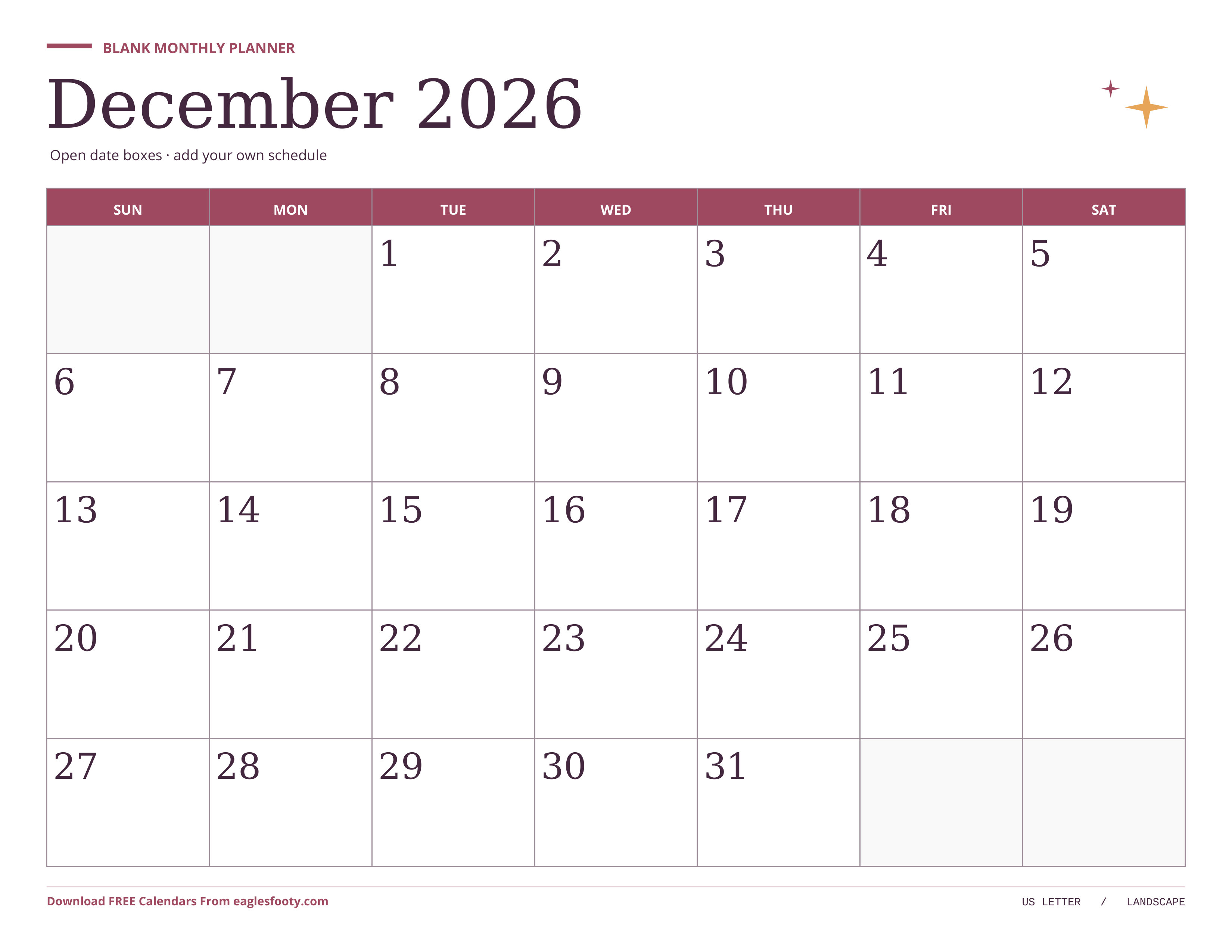
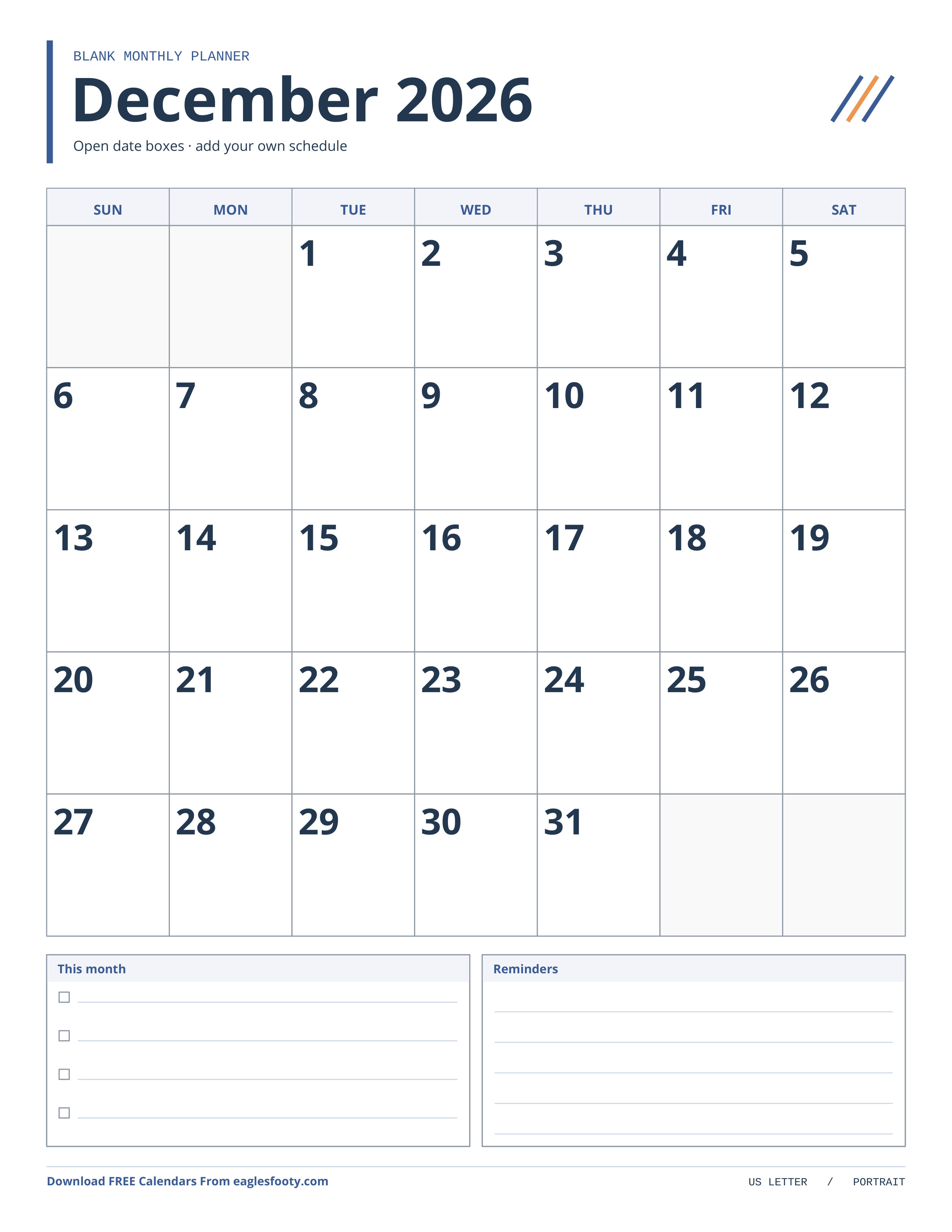
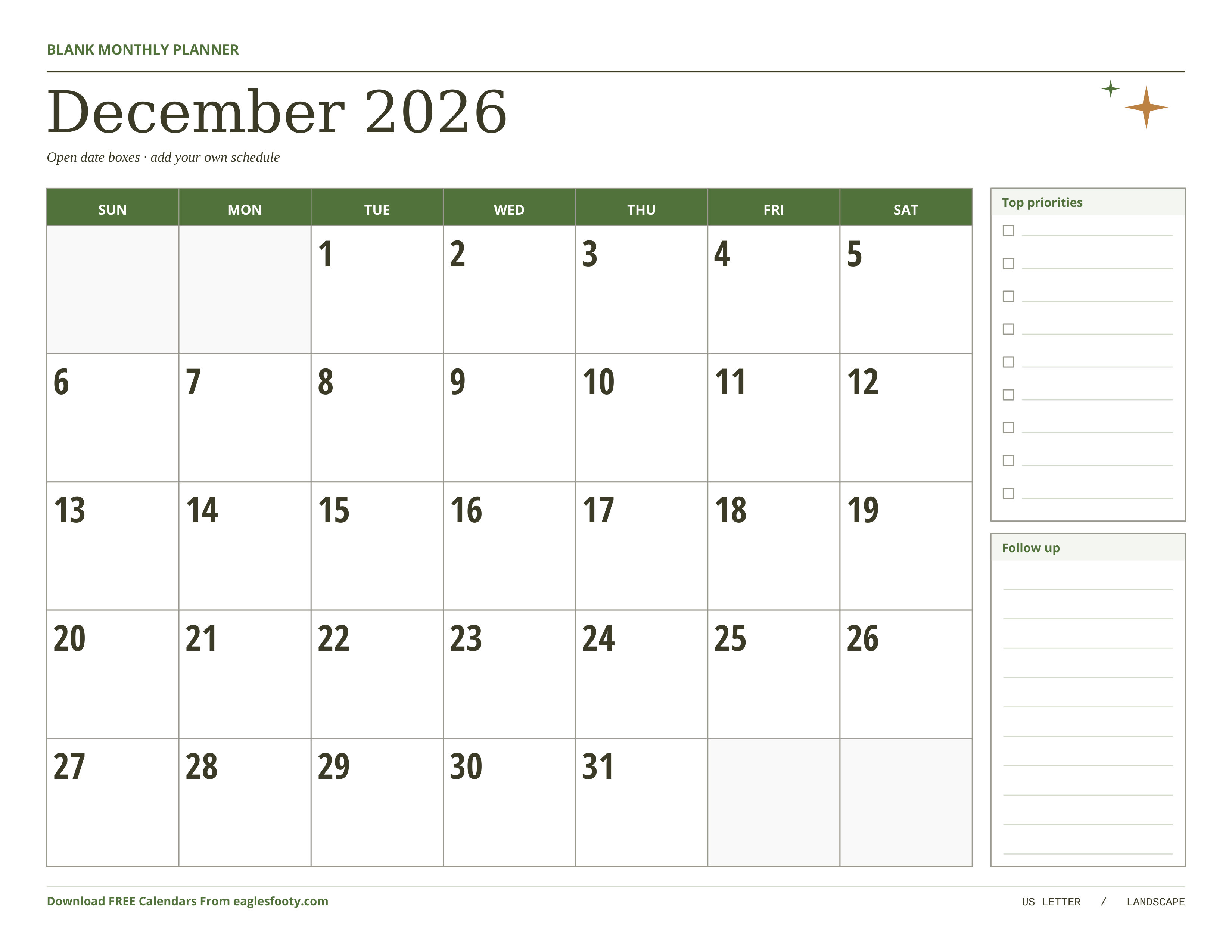
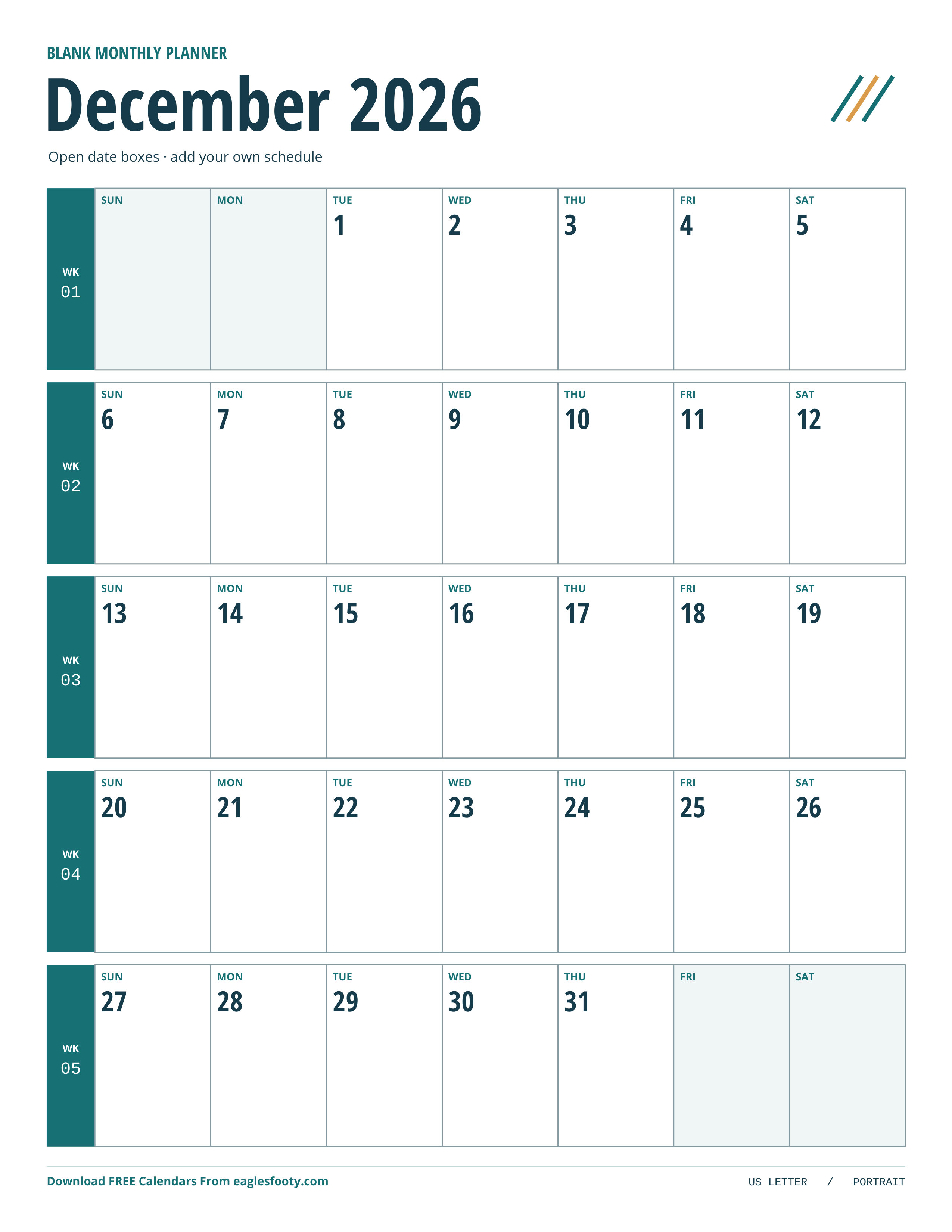
Blank December 2026 Calendar sheets give you the dates and weekday positions while leaving the event space open. December 1 is a Tuesday and December 31 is a Thursday. Choose a layout that leaves enough room for the way you write, download the original, and add only the commitments you want to see. A blank schedule is especially helpful when someone else’s list of holidays or reminders would crowd your own.
For a second monthly reference to keep with the blank template, open the December 2026 Calendar collection.
Blank December 2026 Calendar for Your Monthly Schedule
What Belongs on a Blank December 2026 Calendar?
Start with a single purpose for the page. A household operations calendar might contain rides, visits, and days when somebody needs the car. A meal calendar might contain the main dinner and the nights when nobody is home to cook. These two purposes can share a kitchen, but squeezing them into the same small square tends to make both harder to read.
Choose the level of detail by asking what decision the reader makes after looking at the sheet. “Dinner” is already understood on a meal calendar; “chili, double batch” is useful. “Class” may be enough if one person uses the page; “Mia, studio, 4:15” helps a grandparent providing the ride. Blank boxes give you the freedom to choose words that answer the reader’s actual question.
| Use | Write in Each Date Box | Keep Elsewhere |
|---|---|---|
| Meal plan | Main dish, leftovers, or night out | Full ingredient list and cooking directions |
| House projects | One scheduled step and its owner | Receipts, measurements, and detailed notes |
| Shared rides | Pickup time and driver initials | Private phone numbers and access information |
| Personal habit log | A small check or a short observation | Longer reflections and weekly goals |
Fill the First Week Without Overplanning the Month
- Enter events that are already confirmed, including any appointment that would be hard to move.
- Choose one area of life where an early decision saves time, such as weekday dinners.
- Fill the next several days for that purpose and leave the later weeks lightly penciled or empty.
- Choose a regular time to update the sheet when you have better information.
Imagine a parent who knows the Tuesday and Thursday pickup schedule but does not yet know December work shifts. Write the regular pickups first. For the shifts, place one note on the date the roster arrives rather than guessing shift times across ten boxes. Once the roster is confirmed, fill the relevant days. The family can trust the entries they see and still notice that a decision is outstanding.
Create a Small, Consistent Key
A three-part key is usually easier to remember than a different color for every event. A square can mean an errand, a circle can mark an appointment, and an initial can identify the responsible person. Keep the key somewhere on the page where it will not hide a date. If you find yourself checking a legend every time you read an entry, simplify the marks.
- Reserve pen for dates that are settled and pencil for arrangements still being discussed.
- Begin entries with the detail that matters most, such as a time or a person’s name.
- Use an arrow for something that moves to a different date and write the new date beside it.
- Keep a repeating appointment’s usual meaning in the key so its boxes stay short.
Build a Simple December Project Schedule
Suppose you want to have a guest room ready by Saturday, December 19. Mark that date as “room ready” and work backward. A furniture delivery, a cleaning session, and a final bedding check each need different amounts of space and different people. Give the delivery its confirmed day, schedule cleaning after it, and choose a quiet evening for the bedding check. Now an unexpected delivery delay has a visible effect on the plan.
For an activity that can happen any time in a week, resist filling every date with the same reminder. Put the first action on a likely day and one follow-up on the last practical day. A daily sequence of identical notes soon becomes background noise, and it takes up the very space that makes a blank calendar useful.
Share a Blank Calendar Without Losing Ownership
If several people add entries, agree on who may move a confirmed event. Initials beside a ride tell another adult whom to contact before changing it. A small date in the bottom margin can show when the household last reviewed the sheet together. These details work even on an ordinary black-and-white print and do not depend on a particular app or color code.
Turn Used Pages into a Record You Can Understand
At the end of the month, consider which information you might want again. A meal plan can show which dishes worked on busy nights. A project schedule can show whether deliveries arrived before the work that depended on them. Circle an entry that you would repeat and put a short explanation on the back. “Soup worked before rehearsal” will mean more later than a mysterious circle around a Tuesday.
If you would like to begin again midway through December, print another original and copy only the future commitments. Keep the old page with a small note giving the changeover date. This leaves a clear history of the first part of the month while giving the remaining dates fresh writing space. A calendar works better when changing the paper is easier than trying to decipher a crowded correction.