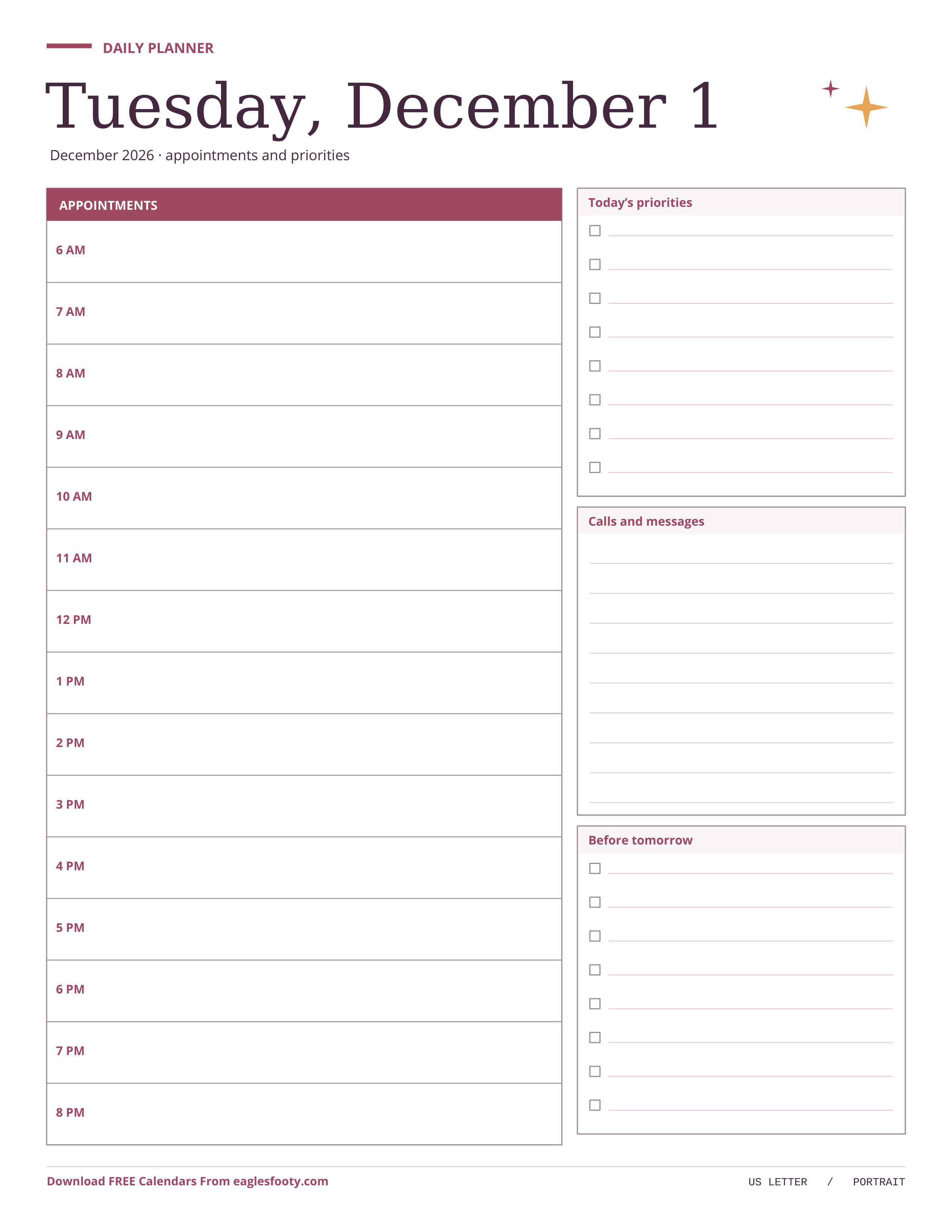
December 2026 Daily Calendar Pages give each date its own sheet, from Tuesday, December 1 through Thursday, December 31. Download the full packet for a complete dated set in your preferred layout. The individual images show sample pages. A one-day view is especially handy for a busy shift, a travel day, or an event with more moving parts than a month square can hold.
Keep a month at a glance beside the daily sheets with the December 2026 Calendar collection.
December 2026 Daily Calendar Pages to Download & Print
Which December 2026 Daily Calendar Pages Fit Your Day?
Start with the kind of decisions you make. A string of timed appointments needs an hourly view. A day divided between errands and home projects often works better with broader sections. When tasks belong to different people or roles, a split page lets you keep them apart without rewriting the same date. You can print different layouts for different days while keeping the dates in order.
| Type of Day | Layout to Try | First Thing to Enter |
|---|---|---|
| Several timed appointments | Hourly layout | Start times and the expected end of each appointment |
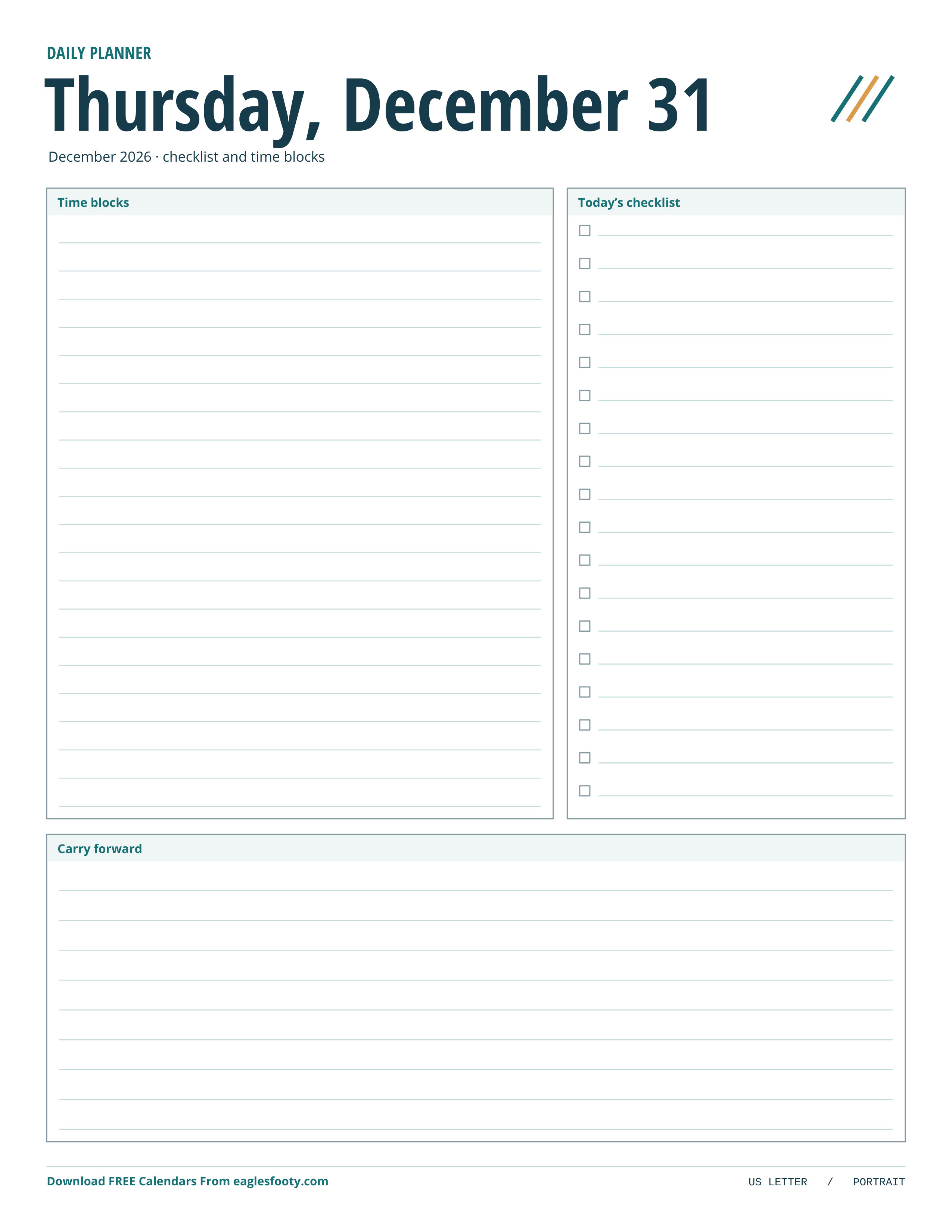
| A mixture of tasks and commitments | Time blocks with a checklist | The commitment that determines when you can work on the checklist |
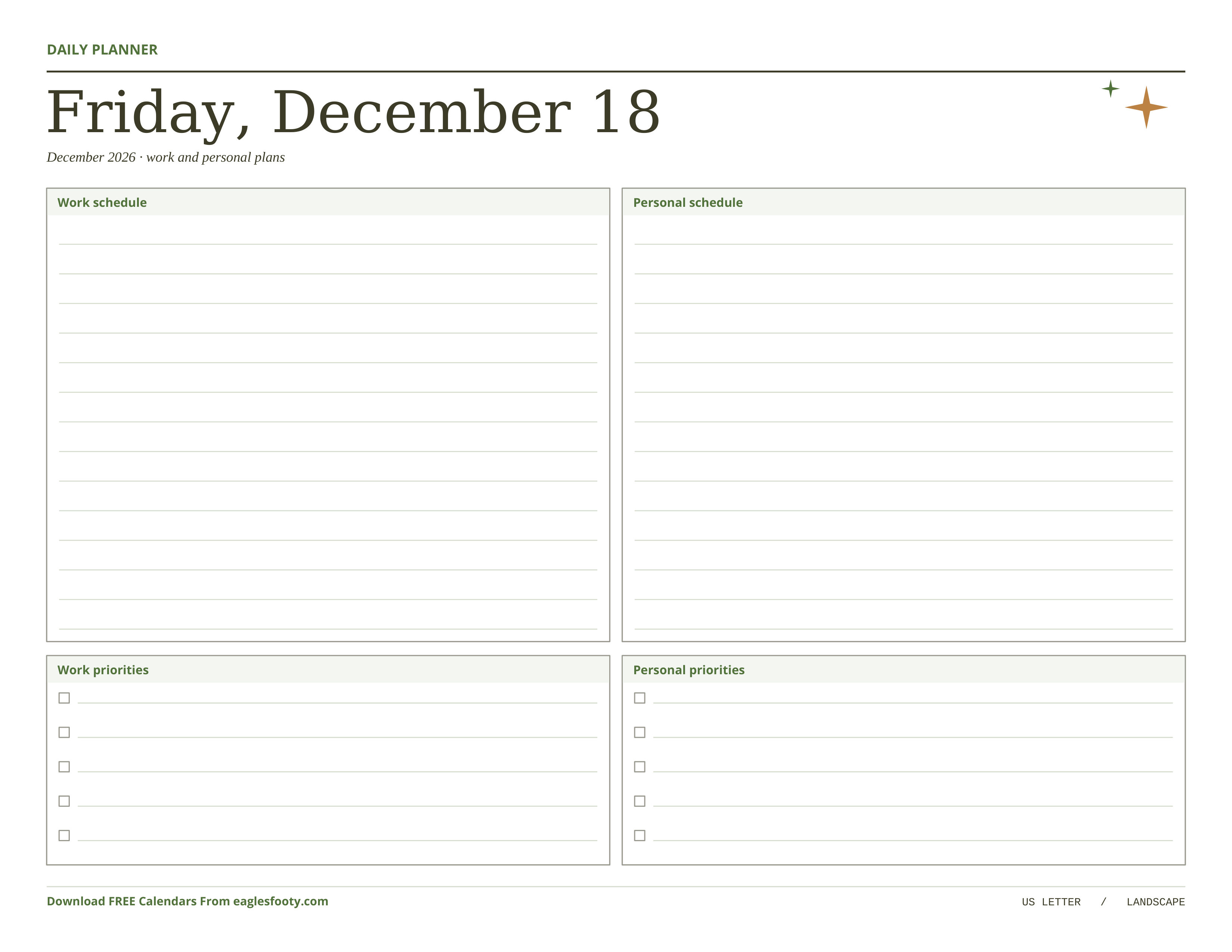
| Office work plus home duties | Split work and personal layout | The moment you need to switch roles |
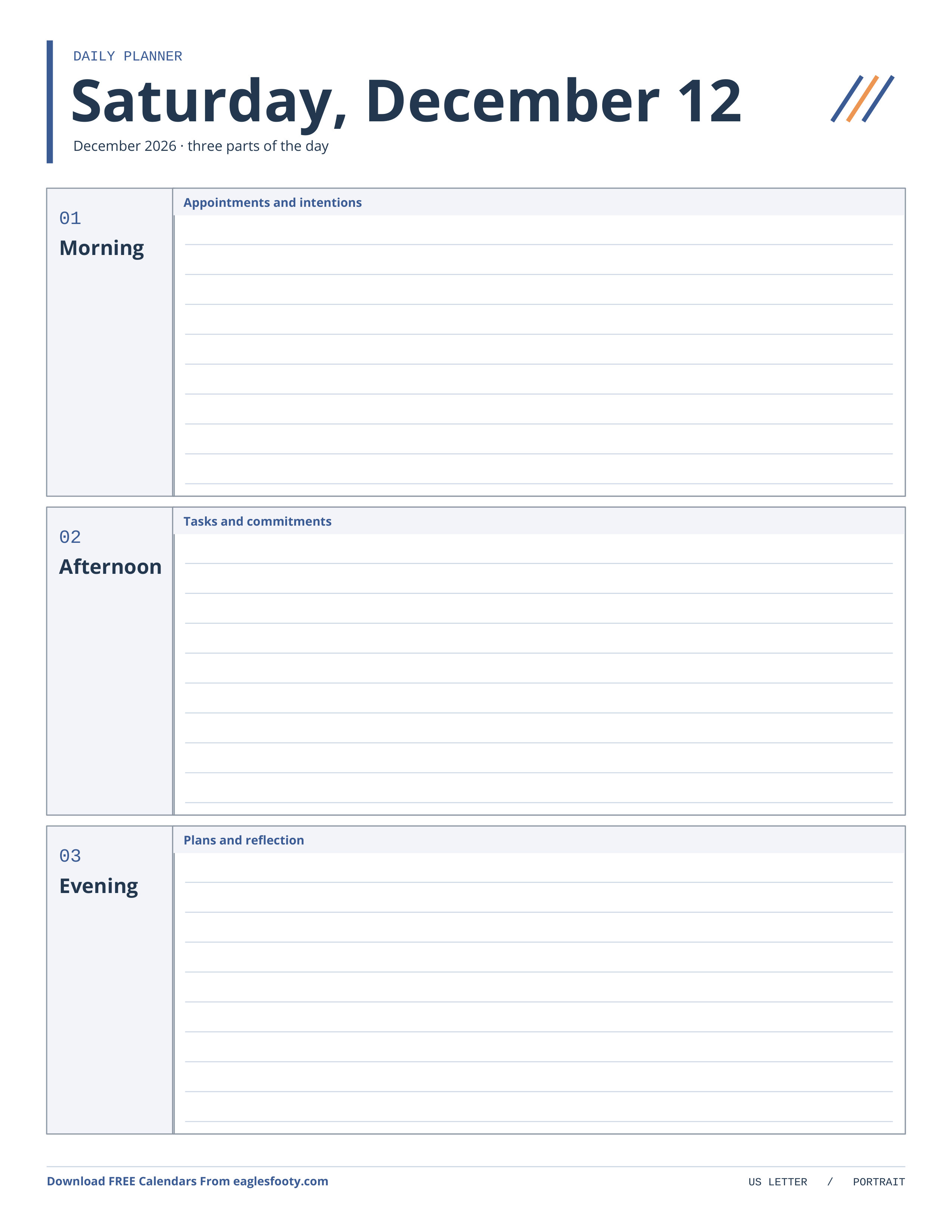
| A day with flexible timing | Morning, afternoon, and evening layout | One main activity for each period |
Pick a Date Before You Print
The daily packet contains 124 pages, or 31 dates in each layout. The image samples show December 1, 12, 18, and 31. An image is handy as a direct print for its displayed date; use the packet to find the same design on a different day.
The full packet repeats the month for each layout, so use your PDF viewer’s thumbnail strip to locate both the date and the version you want. Check the large date on the selected page before opening the print dialog. Choose the current page for one day or enter the page range for a continuous run. Simply entering “25” as the page number can select the wrong sheet if you are in another layout.
Fill a Daily Sheet from the Outside In
- Enter the first commitment that requires you to be somewhere, followed by your final commitment of the day.
- Add every fixed time in between, leaving space for travel, setup, and any handoff.
- Choose one task you could finish in the longest remaining block.
- List smaller items separately so they can move if an appointment runs late.
Suppose you are picking up a guest at 2:40 on Friday, December 18 and cooking that evening. “Airport” by itself leaves several decisions for later. Write the terminal, the agreed meeting place, and the time you plan to leave home. In a separate section, note the one kitchen task that must happen before you go. Now a delay at pickup has an obvious consequence, and a second person can see which task to take over.
Keep Notes Short Enough to Act On
A useful daily entry usually begins with a verb. “Call the venue to confirm the entrance” gives you a next action. “Venue” requires you to remember why you wrote it. If a task has several stages, put the stage that belongs to today on the dated page and keep the remaining stages on a project list. Otherwise, each new daily sheet becomes another copy of the same long list.
- Use an open square for a task that needs a decision or an action.
- Use a time range for a commitment that occupies part of the day.
- Mark a delegated task with the other person’s initials and a time to check back.
- Ring a single item that has a consequence if it slips to tomorrow.
Separate a Real Deadline from a Helpful Reminder
Consider an item due Thursday, December 10. On Wednesday’s sheet you might write “review figures” in the afternoon section. On Thursday’s, enter the actual submission time and a reminder to check the confirmation. Both entries support the same outcome, but they do different jobs. If Wednesday gets crowded, the page shows which item can move and which date still controls the decision.
Use Daily Pages for Travel and Household Hand-Offs
For travel, list the times you need to act rather than copying a complete itinerary. A departure time belongs on the page alongside the earlier time you need to leave for the station. When crossing time zones, label the location beside each clock time. Keep ticket numbers in a private confirmation message instead of putting them on a page that may be left in a public place.
At home, the daily page can travel with the person handling pickups and deliveries. A caregiver may only need the collection time, the door, and what to bring. A second adult staying home needs a different set of details. Use the split layout if both schedules should appear together, or print the same date twice and give each person a clearly named copy.
End the Day with a Decision
Before filing a page, check the boxes that remain open. Some tasks have a real next date; write that date beside the old entry and transfer it. Others depended on an event that has already passed and can be crossed off. If a task keeps moving unchanged, reduce it to a smaller first step. “Ask Mia which receipts are missing” is easier to place tomorrow than “finish paperwork.”
Print only the pages you expect to use during the next few days if plans are unsettled. Keep the PDF for future runs and choose a fresh copy when the first one becomes hard to read. For a full-month binder, stack the selected layout in date order and put a clip at the current page. That small detail makes the right daily plan easy to find on a busy morning.