July to December 2026 Calendar pages show the entire second half of the year, beginning Wednesday, July 1, and ending Thursday, December 31. You can also choose a spring, summer, or early fall start. Use the file that begins when your work actually starts, whether that means reserving space for a fall event in April or taking over an existing schedule in September.
To give the final month of your project its own writing space, print the December 2026 Calendar collection.
Printable Calendars and Downloads
- April 2026 to December 2026 calendar (PDF, 4 pages)
- May 2026 to December 2026 calendar (PDF, 4 pages)
- June 2026 to December 2026 calendar (PDF, 4 pages)
- July 2026 to December 2026 calendar (PDF, 4 pages)
- August 2026 to December 2026 calendar (PDF, 4 pages)
- September 2026 to December 2026 calendar (PDF, 4 pages)
Pick the Start Month for Your Year-End Calendar
The last month is fixed, so the first month determines how much preparation fits on the sheet. Count backward from the date when a decision or reservation has to be made. For a fall craft fair, that might be the venue deposit date. For a community garden, it may be the first volunteer orientation. Both can be months earlier than the activity that families see on their calendars.
| Range to Print | Months Included | Planning Use |
|---|---|---|
| April to December 2026 Calendar for Monthly Planning | 9 | Track spring reservations through final reconciliation |
| May to December 2026 Calendar for Monthly Planning | 8 | Follow registration through a December program close |
| June to December 2026 Calendar for Monthly Planning | 7 | Cover summer setup and a full fall season |
| July to December 2026 Calendar for Half-Year Planning | 6 | Record one complete calendar half |
| August to December 2026 Calendar for Year-End Plans | 5 | Plan from staff orientation through year-end |
| September to December 2026 Calendar for Year-End Plans | 4 | Start with the fall calendar already in effect |
July through December is the only six-month range in this set. Starting a month earlier adds all of June; starting a month later removes July. If the activity began on June 29, the June version gives you somewhere to record the kickoff even when the rest of the work happens in the second half. Select the PDF labeled with those exact start and end months.
Map Event Work Backward From One Real Date
Imagine that a neighborhood group has booked Saturday, December 12, for a winter makers’ market. Mark that date first. The venue also wants the final table count on Friday, November 20. With both entries visible, the group can decide when to close applications, review the layout, and ask a reserve vendor to fill an empty space. The date of the market alone tells the organizers very little about their busiest week.
- Write the fixed event date in ink and label the person who owns the reservation.
- Enter deadlines that other people set, including paperwork or final changes to a booking.
- Pencil in internal decisions, working backward until the person doing each job has enough time.
- Mark a date for reviewing open decisions. Assign someone to bring the answers back to the group.
Build in the Time Between Approval and Action
A delivery may need a signature before it can be booked, and the signer may work only certain days. Mark the approval and the booked delivery separately. Draw a short reference line or give both entries the same letter. If the approval moves, the person looking at October can see which later event in November needs a phone call. This is more informative than a long arrow reaching across several small month blocks.
Which Printable Layout Fits the Job?
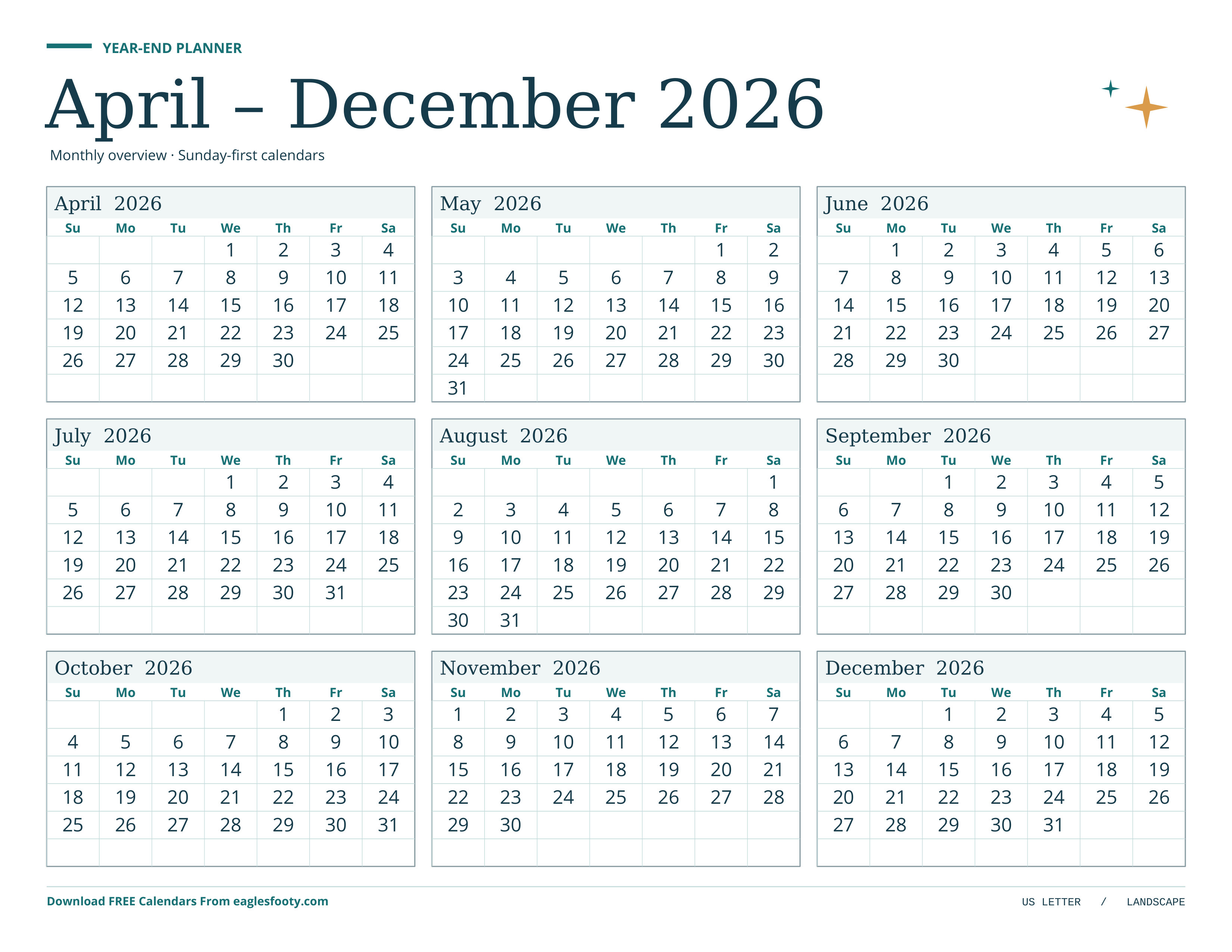
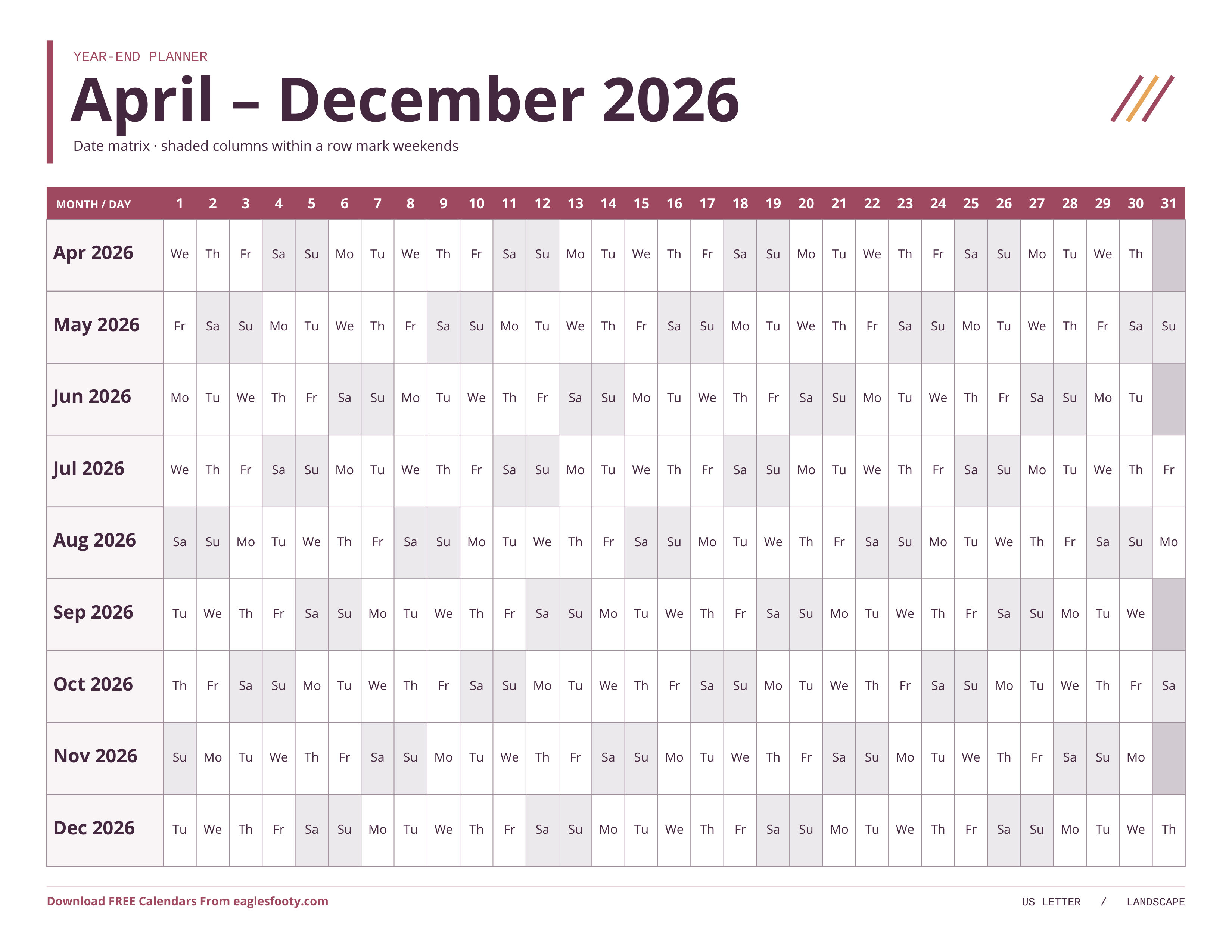
Use the month overview to circle booking dates and check the weekday each one falls on. The matrix places day numbers over month rows, which is convenient for comparing obligations due on the same date each month. Shaded weekend cells reveal when a usual due day lands outside a supplier’s regular hours. Check that supplier’s actual rule before moving an entry to Friday or Monday.
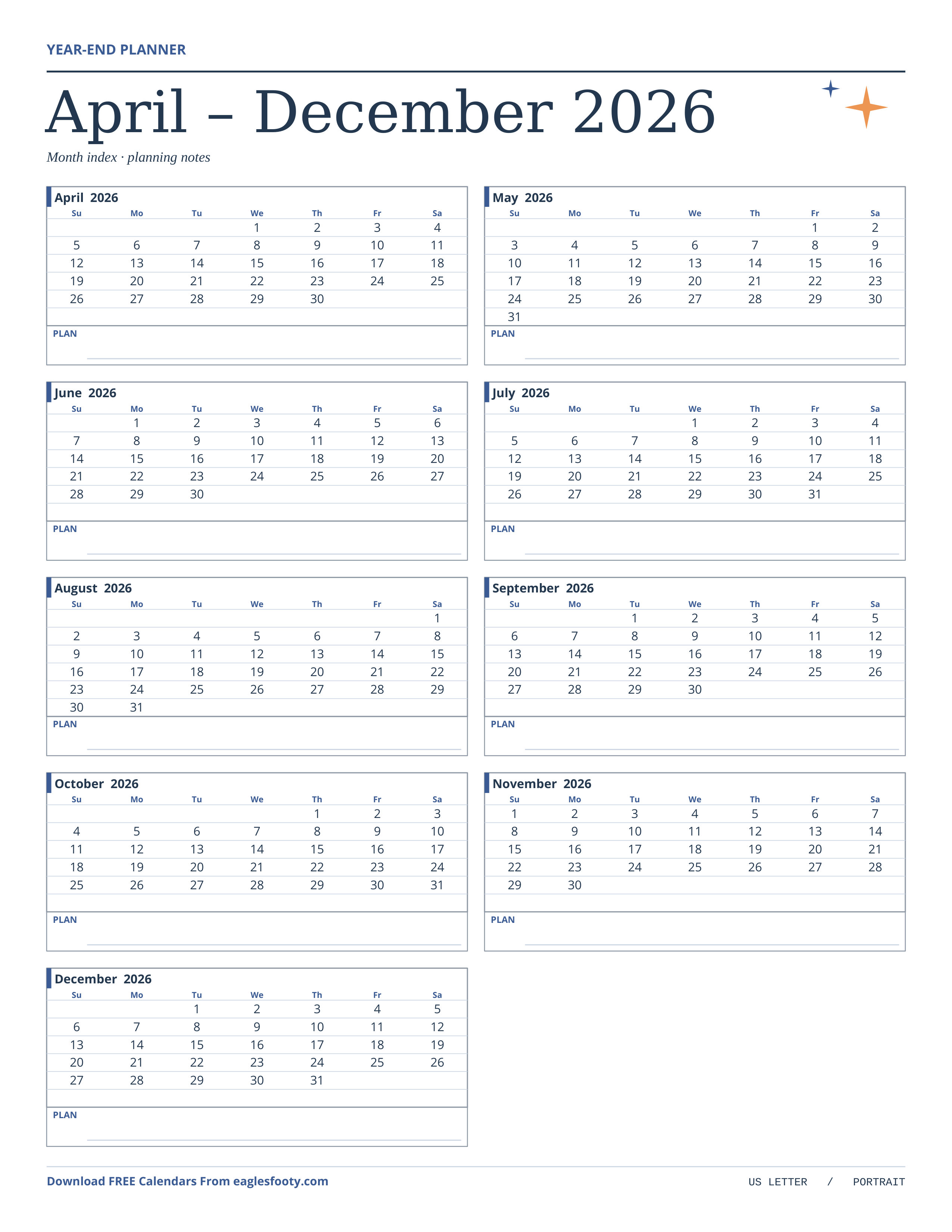
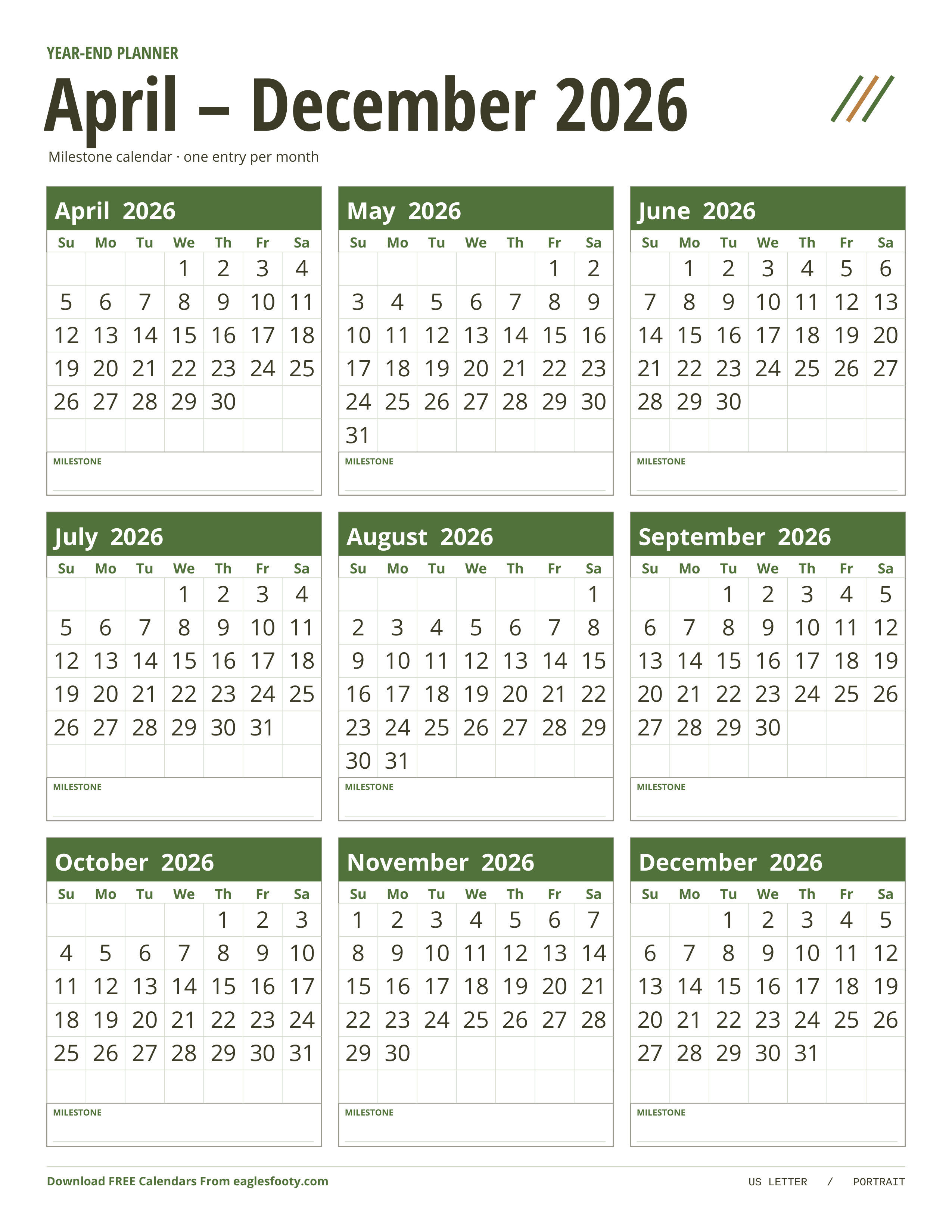
The milestone ledger leaves lines beside each calendar for a deliverable or contact name. Give it to the person preparing meeting agendas, who can lift upcoming decisions directly from the page. The daily index works for repeat tasks such as opening registration, checking responses, and posting the final list on consecutive dates. Pick one page to fill out first; its marks will reveal whether you need another view for a different job.
- For a public handout, use dates already confirmed by the organizer and leave internal negotiation off the page.
- For a staff copy, include the preparation window and the deadline for making corrections.
- For the file copy, add the date the final list was approved and where the supporting notes are stored.
Decide What Goes on the January Handoff
Year-end calendars end on December 31. A task still open that afternoon deserves a visible handoff. Draw a small box beside the last date and record the name of the person taking it forward. A receipt that must be submitted in January, for example, can have a December collection date here and a January submission date on the next planner. Separating the two keeps the printed range accurate.
Print a Sheet You Can Use at the Next Meeting
Open the download and check the first month in the heading before printing. The file includes pages in more than one orientation. Allow the PDF viewer to rotate each page to fit its paper, or select one page at a time. Print at full size when possible and keep the file on hand for making another clean copy after a schedule change.
For a meeting, hand out the dated overview and ask each person to identify one dependency. A vendor coordinator might point to table assignments; the facilities lead might point to access hours. Record the decisions and the date on which they were made. At the next meeting, compare the two copies. That sequence gives you a record of how the event plan developed as well as a calendar for what happens next.