September 2025 to December 2026 Calendar pages put an entire fall-to-winter record in one place. Start with September if that was the first month of your project or school term. If a lease, season, or agreement began earlier or later, choose its actual start month below. Every range ends on December 31, 2026. Separate files make it possible to reconstruct the period without squeezing months into the margins of an ordinary January-to-December planner.
If you need a separate sheet for the last month in your records, use the December 2026 Calendar collection.
Printable Calendars and Downloads
- June 2025 to December 2026 calendar (PDF, 4 pages)
- July 2025 to December 2026 calendar (PDF, 4 pages)
- September 2025 to December 2026 calendar (PDF, 4 pages)
- October 2025 to December 2026 calendar (PDF, 4 pages)
- November 2025 to December 2026 calendar (PDF, 4 pages)
When Does a September 2025 to December 2026 Calendar Fit Your Records?
Find the earliest date you need to show, even if it falls in the last week of a month. A program that opened on August 29 and welcomed its first group in September has two possible starting points. Choose a July or June start to document preparation; choose September if your report covers attendance only. Write a short description of the scope beside the first dated entry so another reader can follow your decision.
| Printable Range | Months Shown | Typical Starting Record |
|---|---|---|
| June 2025 to December 2026 Calendar for Long-Term Plans | 19 | Summer kickoff before the first full program year |
| July 2025 to December 2026 Calendar for Long-Term Plans | 18 | Start of a July-to-June budget cycle |
| September 2025 to December 2026 Calendar for Long-Term Plans | 16 | First fall session or new school term |
| October 2025 to December 2026 Calendar for Long-Term Plans | 15 | Opening of the fourth calendar quarter |
| November 2025 to December 2026 Calendar for Long-Term Plans | 14 | Late-fall enrollment or membership start |
The month count includes both endpoints. A September 2025 start covers four months in 2025 and all twelve months of 2026. November covers two months in the first year and twelve in the second. If a form asks for the number of days or completed billing periods, keep that calculation separate. A partial month of participation can occupy a whole printed calendar block.
Rebuild a Timeline From Dated Evidence
Suppose a neighborhood reading program needs a record of its first sixteen months. Its fall flyer gives a September opening, but its attendance binder starts in October. Print the September range and mark the publicly announced opening as “scheduled.” Mark the first signed attendance sheet as “held.” The difference matters when someone later asks which sessions took place and which were simply advertised.
- Gather one source for each type of event. A meeting minute can confirm a vote, a receipt can confirm a purchase, and a signed checkout sheet can confirm a handoff.
- Enter events in chronological order within each source. Switch sources only after you reach the last page or hit an unexplained gap.
- Add a short reference beside each entry, such as “M4” for a set of minutes. Keep the list of references on a separate sheet.
- Circle uncertain dates in pencil. Replace the circle with a check after someone confirms the date or you locate a second record.
How Do You Show a Date Range You Cannot Pin Down?
An email sent on a Tuesday may say a delivery arrived “last week.” Draw a light bracket around the possible days and record the wording of the email in your notes. Picking one convenient Friday would make the calendar look more exact than the evidence allows. If a later invoice identifies the day, replace the bracket and leave the source number next to the confirmed date.
Use the Page That Answers Your Question
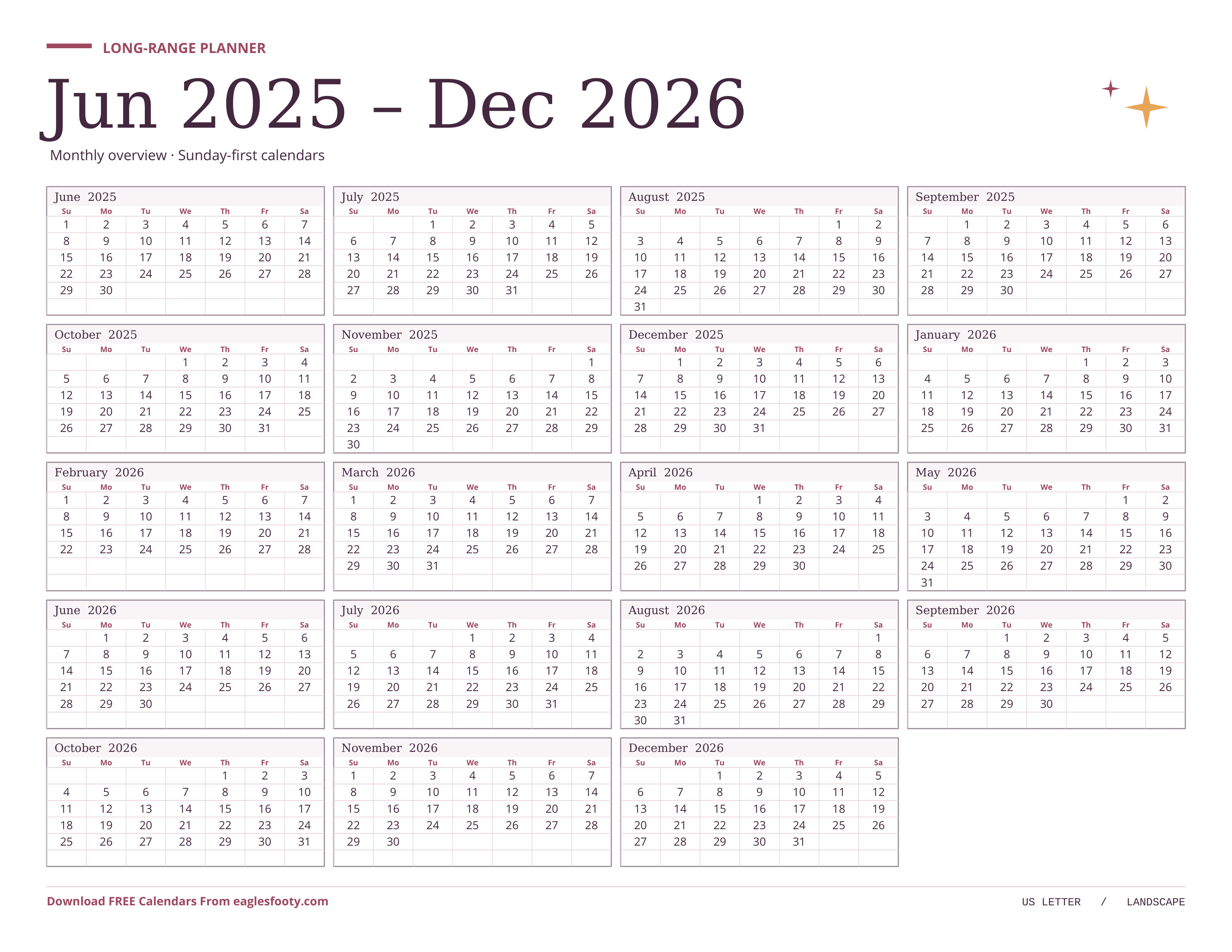
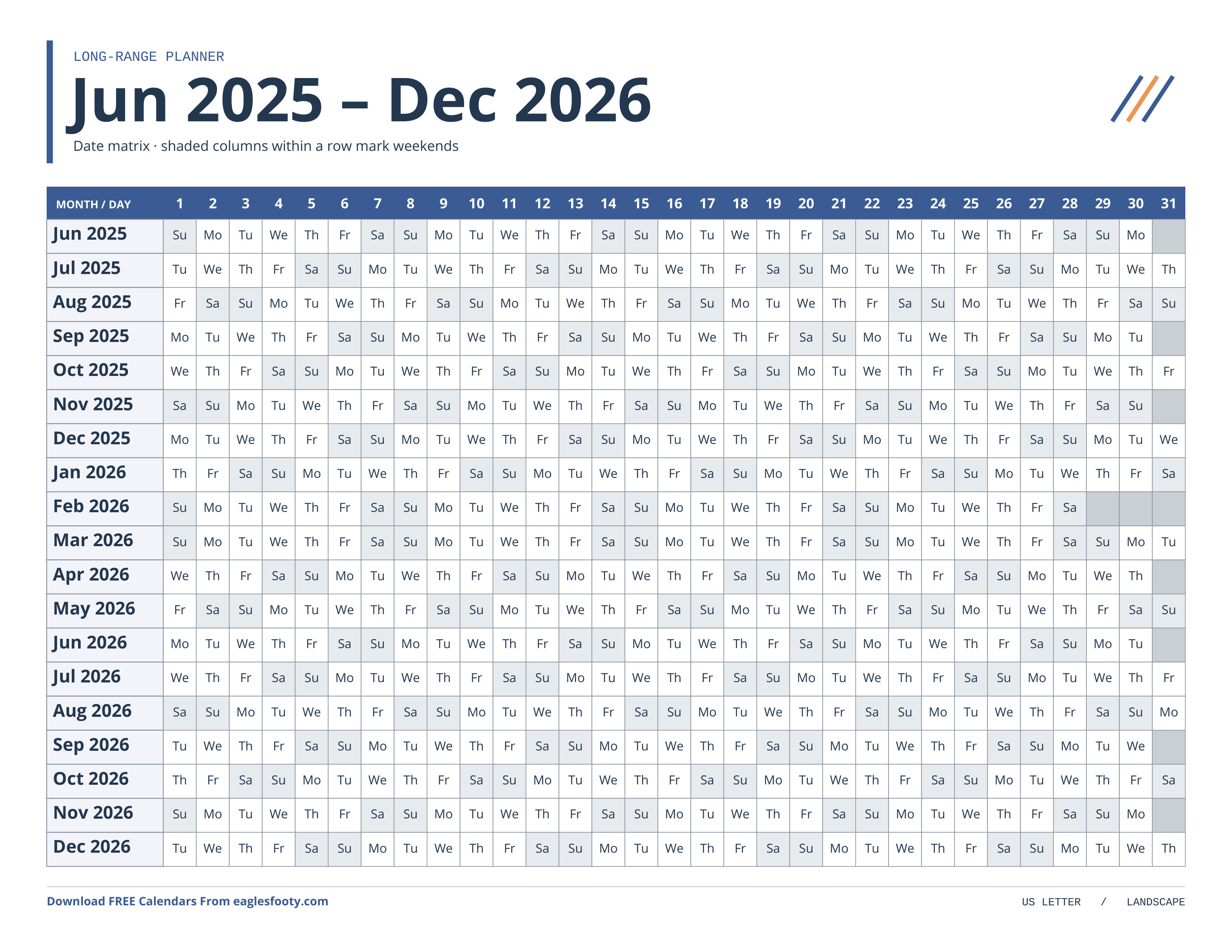
The dated PDF for each range opens with a month overview. Use the small calendars when you need to see a gap between visits or a cluster of service dates. Its date matrix is handy when records use the same day number repeatedly. Look down the column headed 15 to compare the middle of each month, then read the weekday abbreviation in each cell.
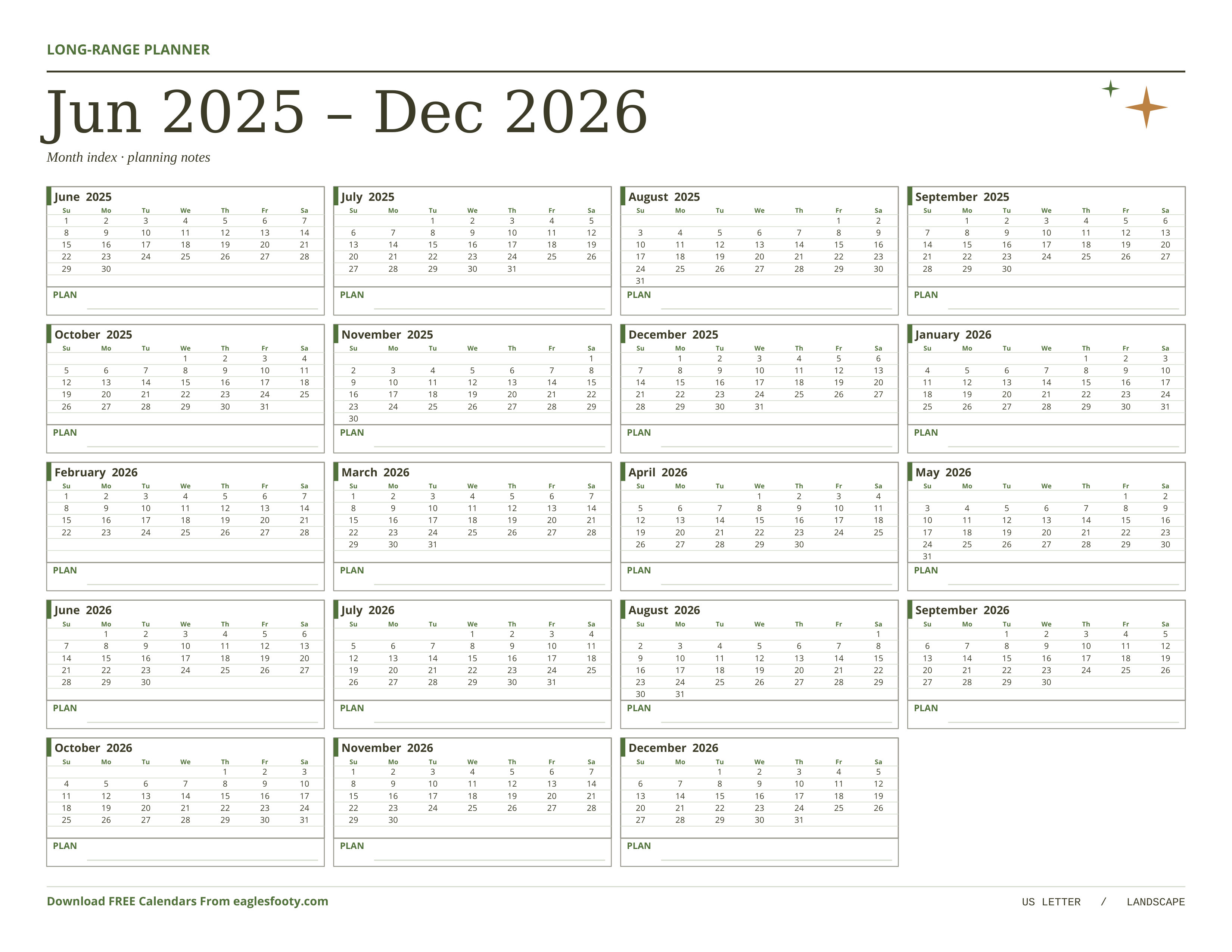
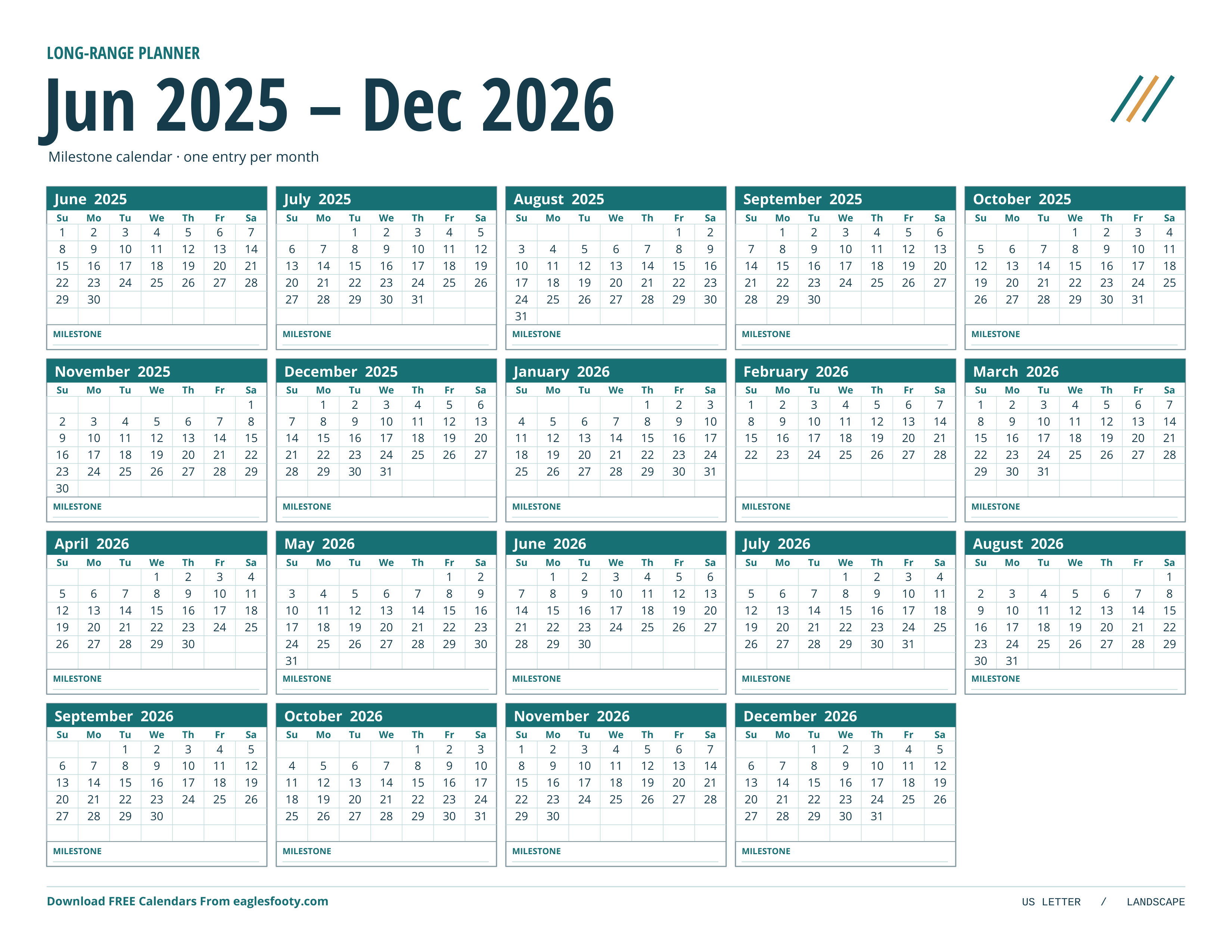
The milestone ledger pairs small calendars with writing lines. It works especially well for an archive in which only one or two decisions matter per month. Enter the reference number on the line and circle its date in the nearby grid. On the daily index, scan down a month to trace consecutive days of work. Shaded weekend cells make it easier to follow a run that crosses Saturday or Sunday.
- Choose the PDF labeled with your start and end months for a self-contained printout.
- Print the overview alone for a meeting packet that needs only dates and a handful of marks.
- Save the unmarked file with the project records so a later reviewer can reproduce a clean copy.
Check the Two Decembers Before You File
A September 2025 to December 2026 calendar has two December headings. A note that says “12/7” could belong to either year, so add the year before you transfer it from a receipt or email.
December appears twice in every range on this page. Include the year in date labels, particularly on invoices or photographs where a month and day appear without it. December 1, 2025, was a Monday. December 1, 2026, falls on a Tuesday. This one-weekday shift is a useful double check when a note mentions “Monday the first” but omits the year.
Turn a Marked Calendar Into a Readable Record
Choose a cutoff time for the version you intend to distribute. For example, a volunteer coordinator might close the record after receiving the final sign-in sheets in early January. Write the coverage end date as December 31, 2026, and give the compilation date on a separate line. Someone reading the file years later can then distinguish the last day covered from the day the pages were assembled.
When you print, select the layout page you need and check the full first and last month headings in the preview. Keep the paper orientation shown by the PDF viewer. Small weekday lettering is easier to read on a full US Letter sheet than on a two-pages-per-sheet handout. If an entry needs more room, enter a reference code on the calendar and put the explanation in your supporting notes.