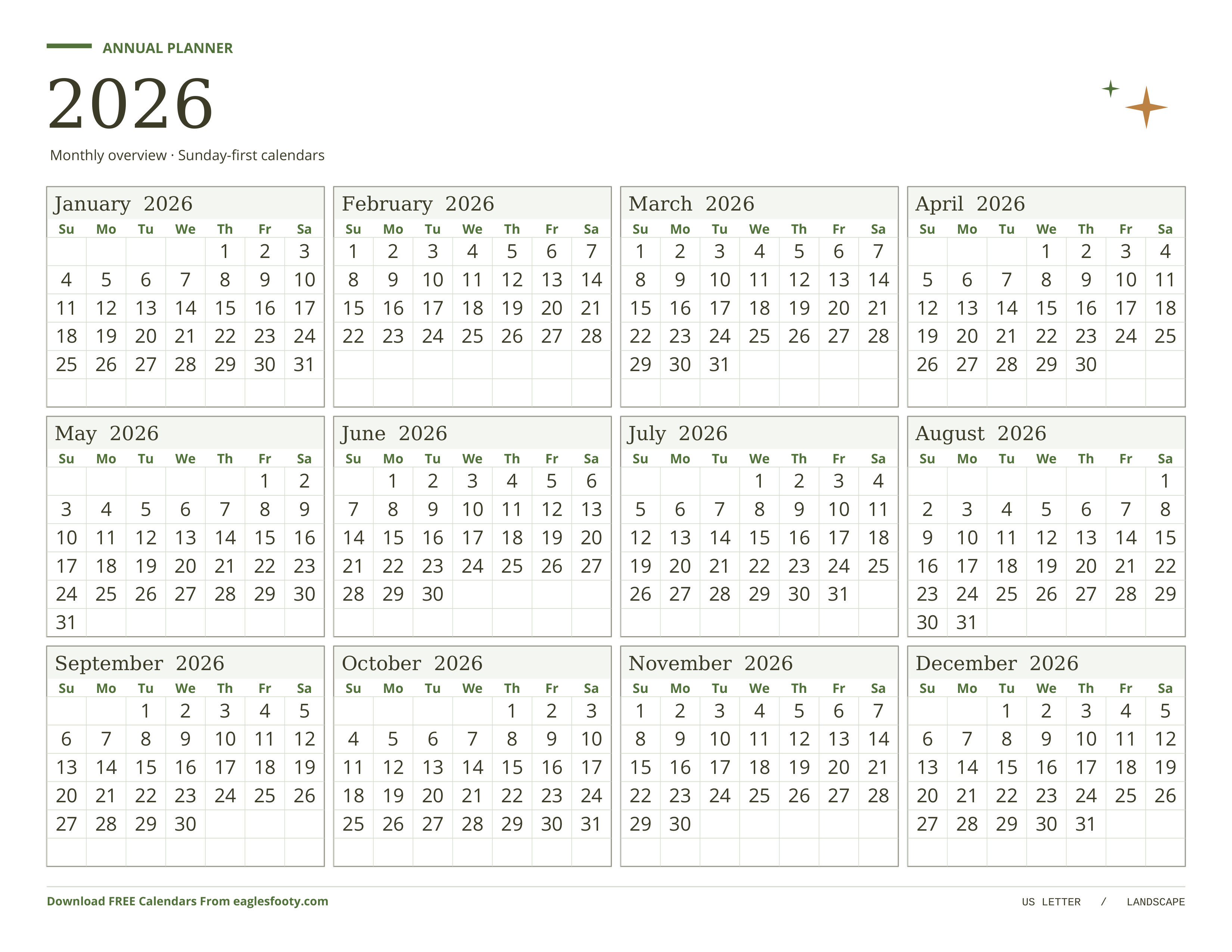
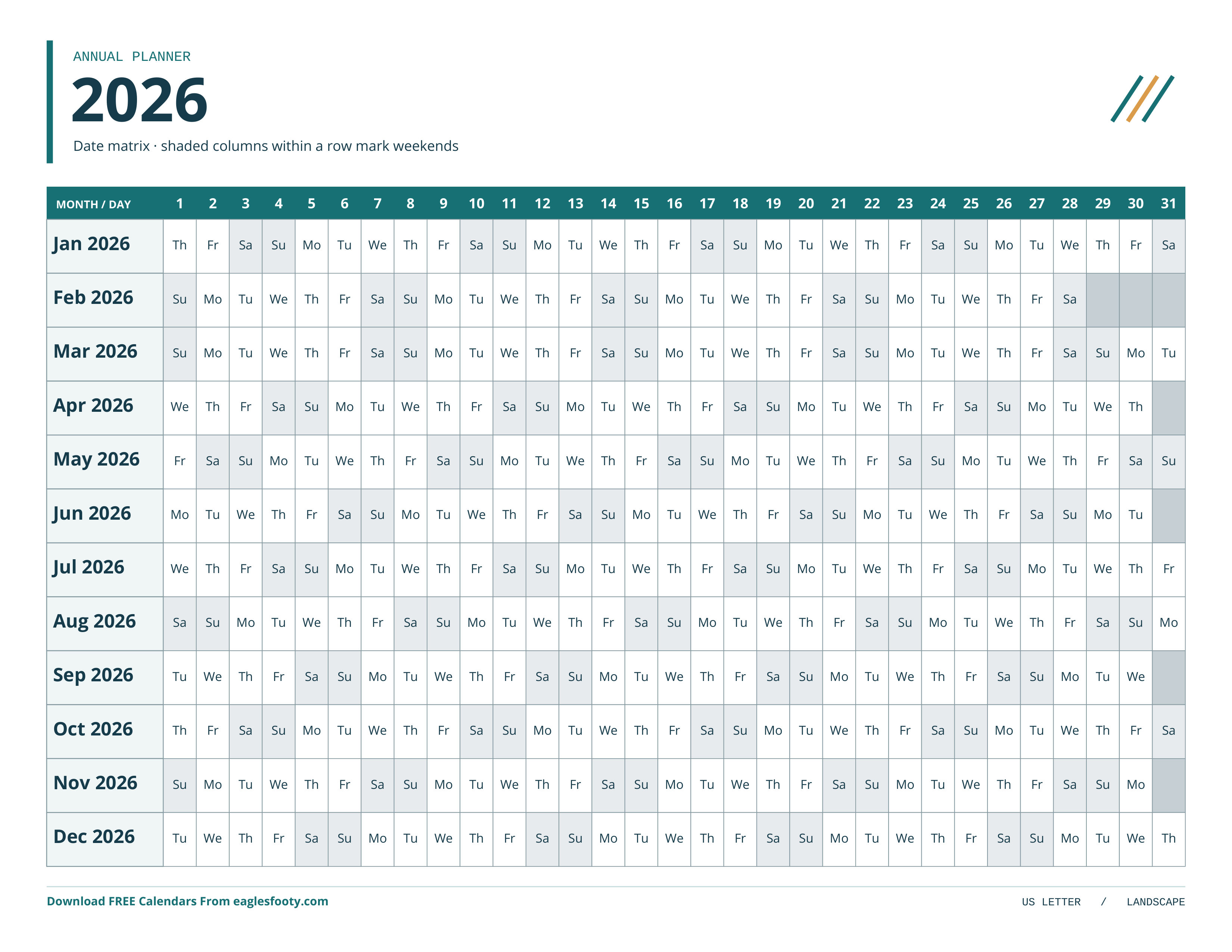
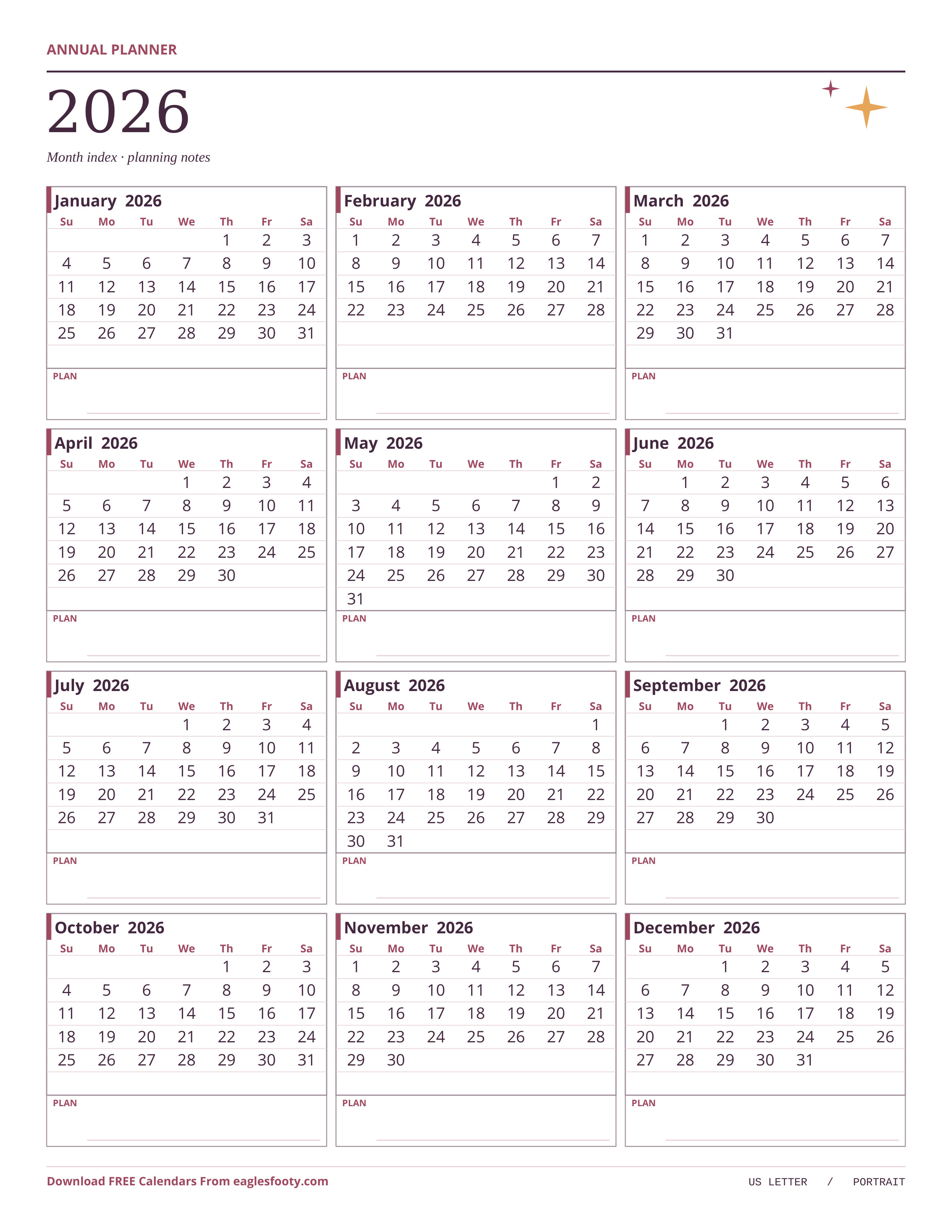
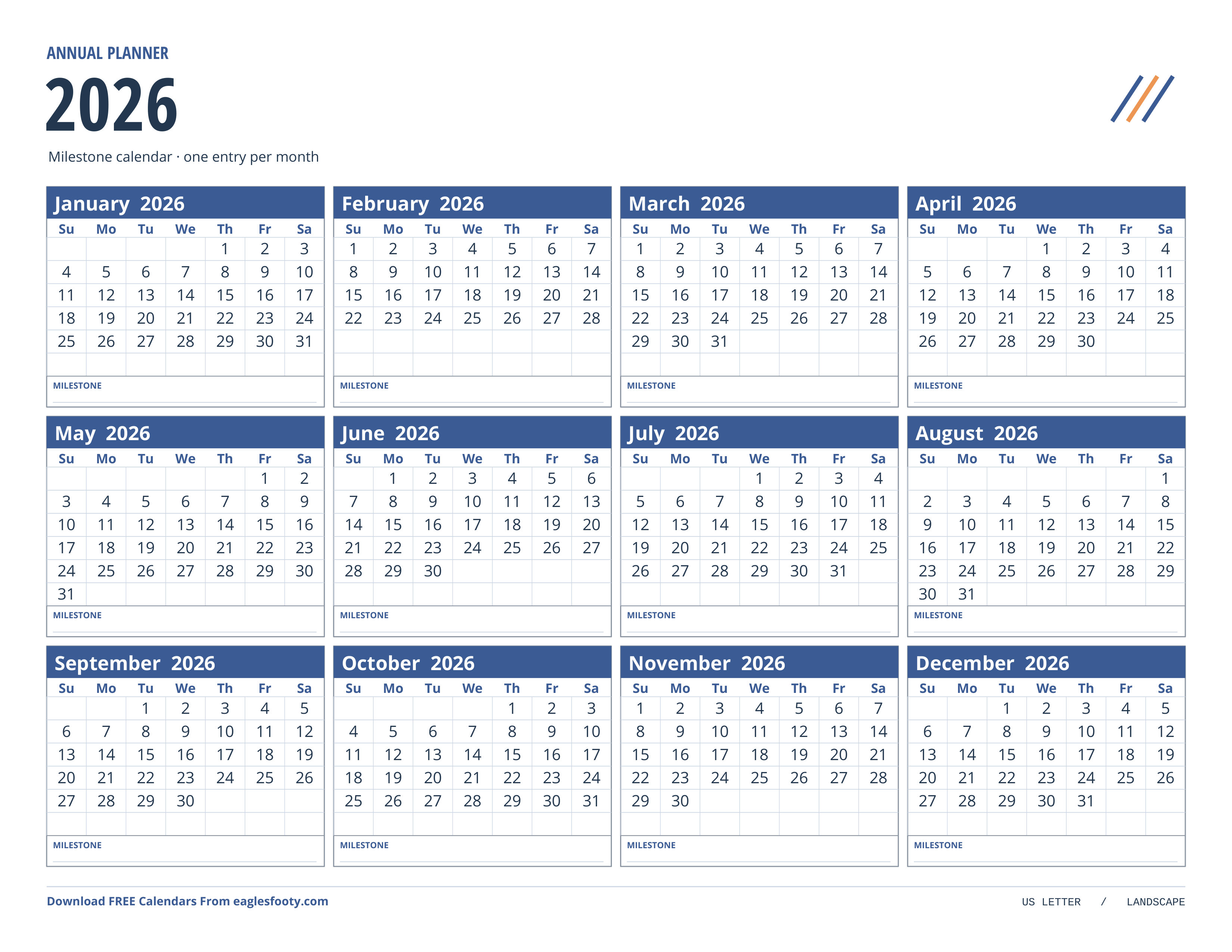
January to December 2026 Calendar pages show all 365 days of 2026, beginning Thursday, January 1, and ending Thursday, December 31. Use the annual view to find recurring weekdays, see which months need extra staffing, or compare requests for a shared room. The whole year sits in one reference, so you can check a date in March against another in September without paging through a monthly planner.
For a separate page covering the final month of the year, print the December 2026 Calendar Printable collection.
Printable Calendars and Downloads
Read the Year in Four Calendar Quarters
Divide the sheet into quarters when you need regular points for reviewing commitments. A calendar quarter begins on the first day of January, April, July, or October. Its boundaries may differ from a school term or an organization’s fiscal year. If your program starts in September, mark that start on the annual calendar and label it clearly so your colleagues use the right period when counting sessions.
| Quarter | First Day | Final Day | Number of Days |
|---|---|---|---|
| January through March | Thursday, January 1 | Tuesday, March 31 | 90 |
| April through June | Wednesday, April 1 | Tuesday, June 30 | 91 |
| July through September | Wednesday, July 1 | Wednesday, September 30 | 92 |
| October through December | Thursday, October 1 | Thursday, December 31 | 92 |
The quarters differ in length because the months do. February has 28 days in 2026. January and March both have 31. When two clubs request a room “once per quarter,” ask whether each needs a single meeting or a full set of monthly sessions. A recurring January, February, and March booking occupies three slots in the first quarter rather than one.
Set Up an Annual Booking Map for Shared Space
Imagine a community center with one room that can hold a large group. A language club meets on the first Monday each month, a repair workshop meets on selected Saturdays, and a reading group requests four evenings a year. Use the year sheet to check the pattern first. Keep exact times, deposits, and access details in a separate booking log with one entry per reservation.
- Write a short code for each regular group and give every code one clear meaning.
- Mark the monthly meetings that already have approval, checking each day in its own month.
- Add one-time events and identify the person who can resolve a scheduling conflict.
- Review the full year for gaps in staff coverage before offering new slots to the public.
Find the Months With a Fifth Monday
March, June, August, and November each contain five Mondays in 2026. A club that meets weekly will need more Monday slots in those months than one that schedules only the first four Mondays. If the room is normally reserved for a different activity on a fifth Monday, mark that agreement separately. Counting four meetings per month would underestimate how many opportunities a weekly group can use over a full year.
In February, the Mondays are the 2nd, 9th, 16th, and 23rd. In March, they are the 2nd, 9th, 16th, 23rd, and 30th. The early part of each month lines up neatly, but the final week changes the total. That makes the two months a handy example to show volunteers before they copy a familiar schedule across the rest of the year.
Use Different Marks for Requests and Confirmations
A penciled request can be a useful early warning when two groups want the same date. It becomes confusing if a reader assumes every pencil mark is a confirmed reservation. Give tentative requests an open circle and confirmed bookings a filled dot, or use two other symbols that are easy to distinguish on a photocopy. Put your key where a colleague can read it without asking you.
- Record who confirmed the booking in the full log and place a short matching code on the calendar.
- When two groups share a date at different times, use their codes and refer to the log for the exact hours.
- If a reservation moves, enter the new date and leave a small reference at the old one until everyone has received the change.
What Should You Put on the Public Copy?
Families need the event date, opening time, and location. The center’s working copy may also need key collection, cleaning coverage, and a buffer for rearranging tables. Start the public version from a clean download and transfer only the information people need to attend. This makes the sheet easier to read and gives a coordinator room to keep more detailed notes on the staff copy.
Choose a January to December 2026 Calendar for Annual Planning
A grid of twelve small months works for finding the weekday of a particular date. A date matrix helps compare recurring duties on the same day number, and note space is useful for recording the decision that matters most in each month. Choose a design based on the question your reader will ask most often. Someone staffing a reception desk may need a different layout from someone reviewing quarterly room usage.
Print at full size on US Letter paper, check that all twelve month headings appear, and keep a clean original for later updates. At the end of each quarter, mark which bookings actually took place before archiving the working copy. A record of confirmed meetings tells you what people expected; the completed attendance record tells you when the room was used. Together they give next year’s coordinator a practical basis for planning the next annual cycle.